
 2.4.4 - 2.4.8

 Theme
Theme
Magento 2 Coupon Code extension
v4.1.0
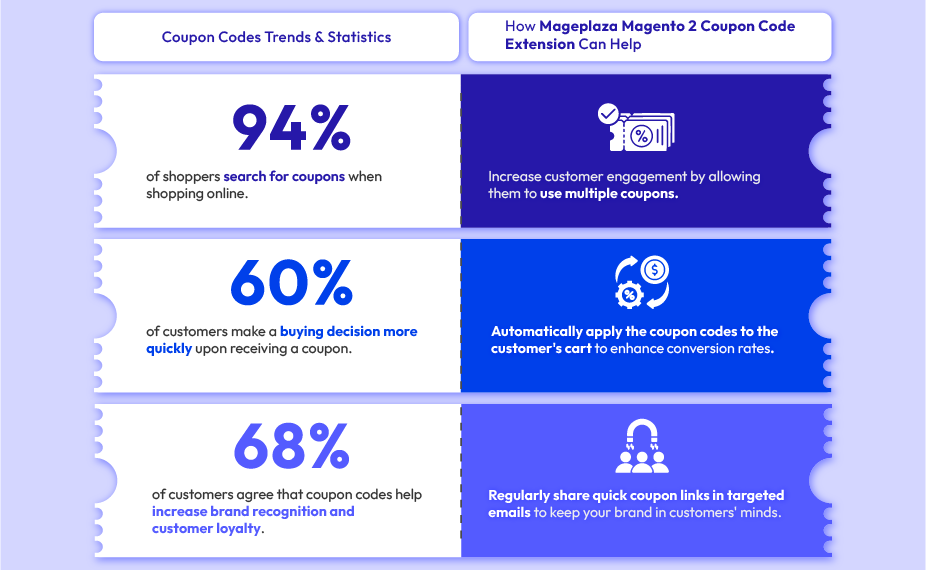
The Power of Coupon Codes in Online Shopping
Generate & Manage Coupon Codes Efficiently
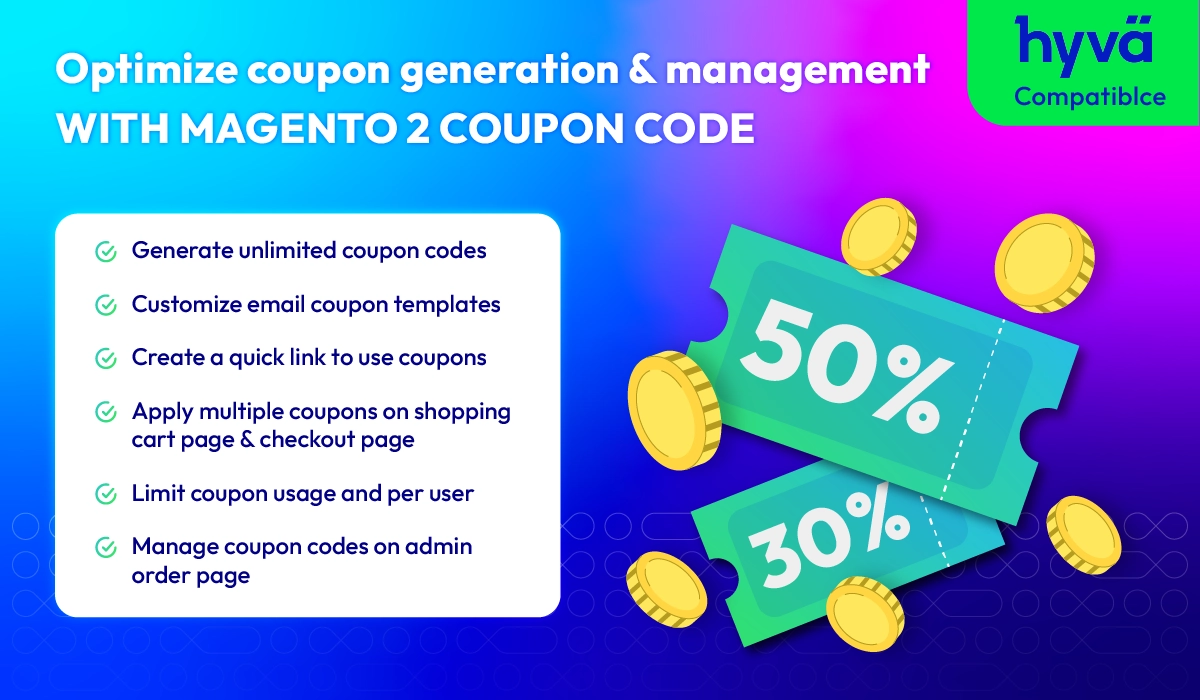
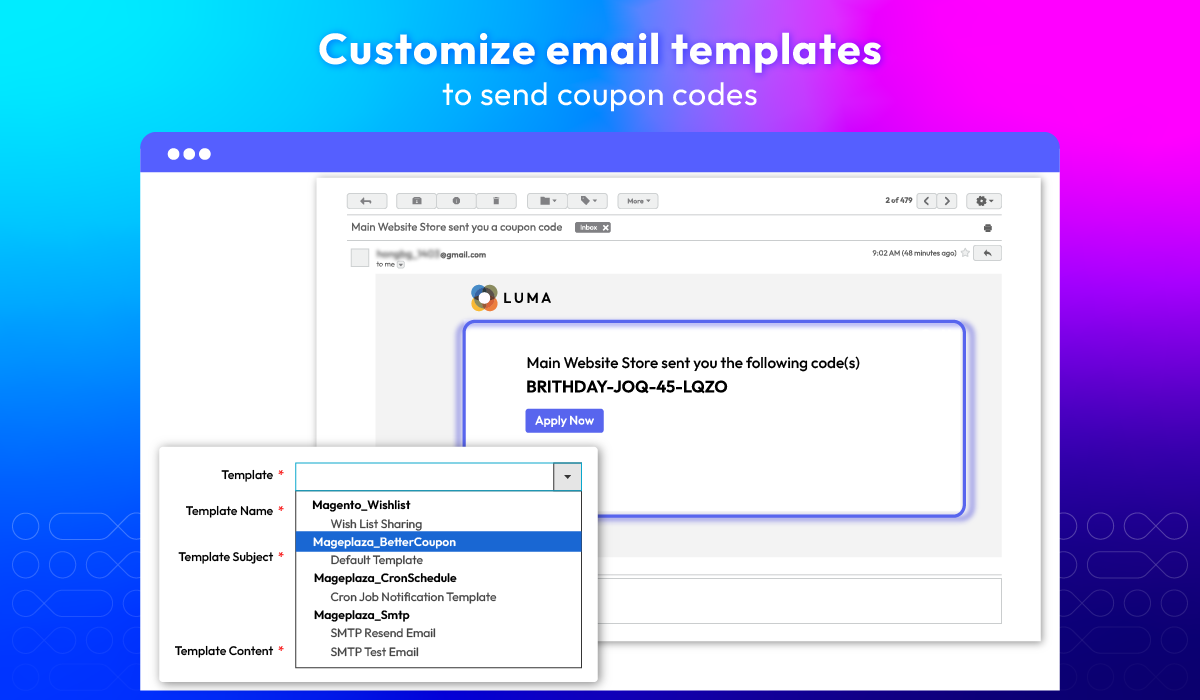
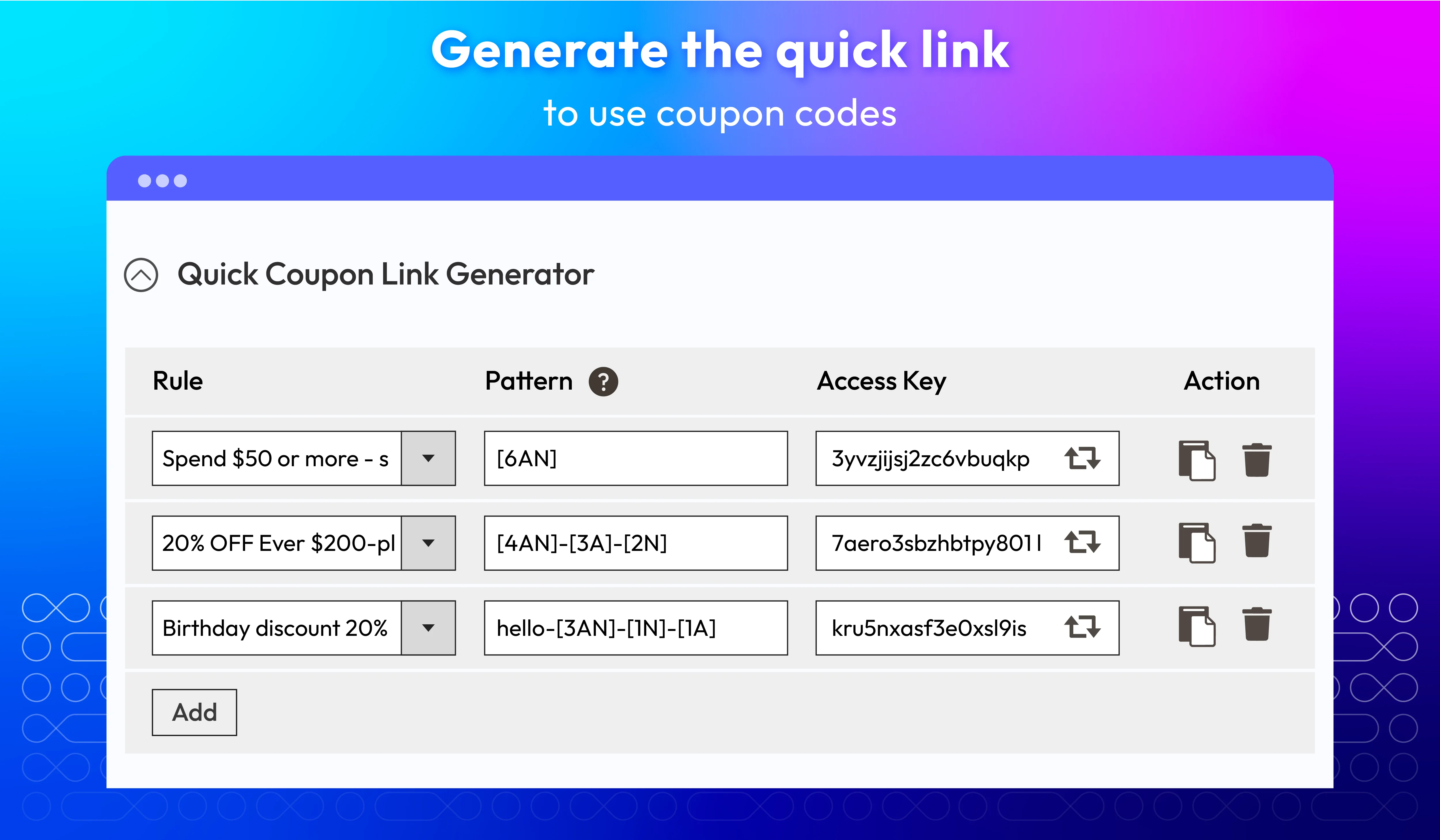
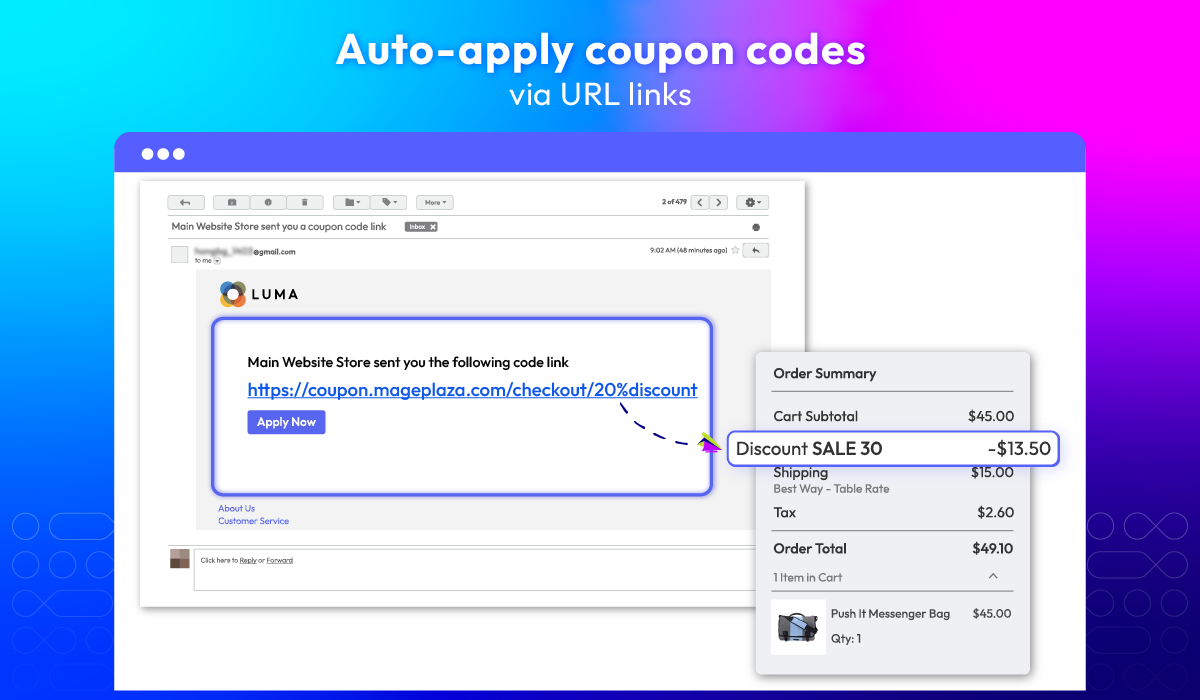
Deliver a seamless discount experience with efficient coupon generation and management. Create unlimited codes in bulk, share instant-discount quick links, and auto-apply coupons via URL to boost engagement and conversions. Fully customizable email templates let you send branded coupon messages that drive customers back to your store.
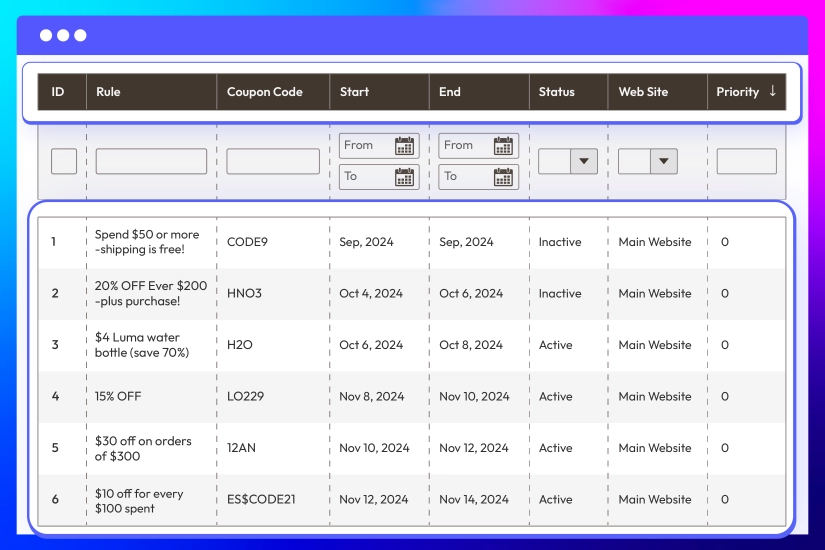
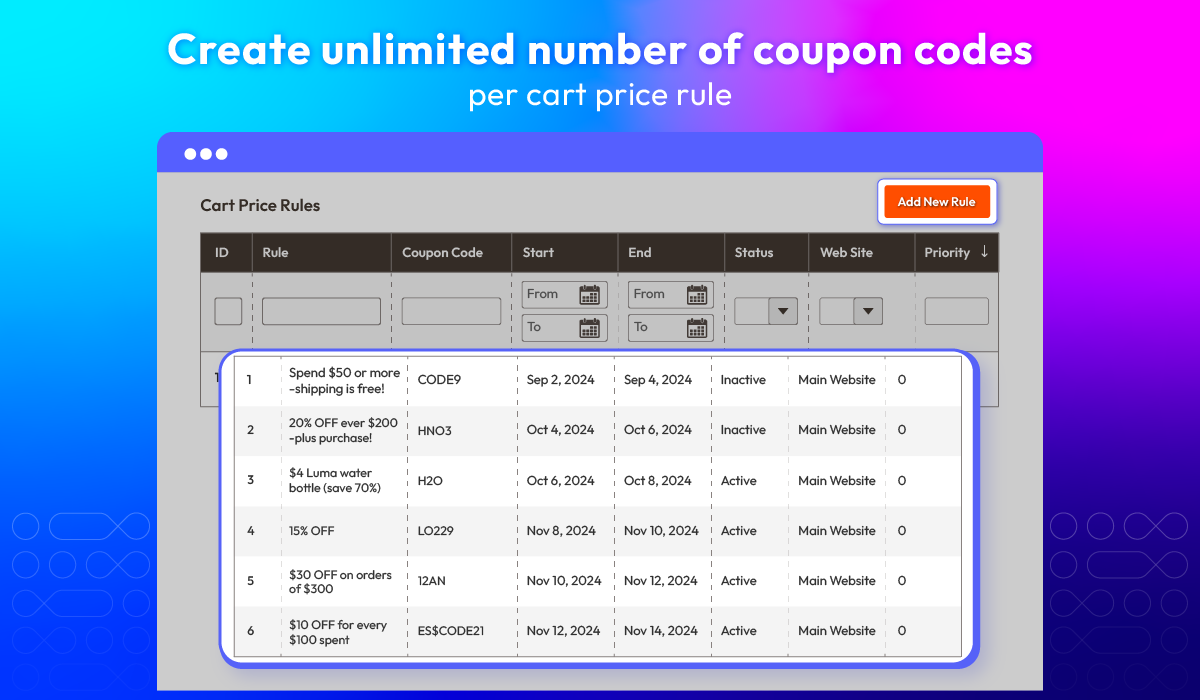
Generate unlimited coupon codes
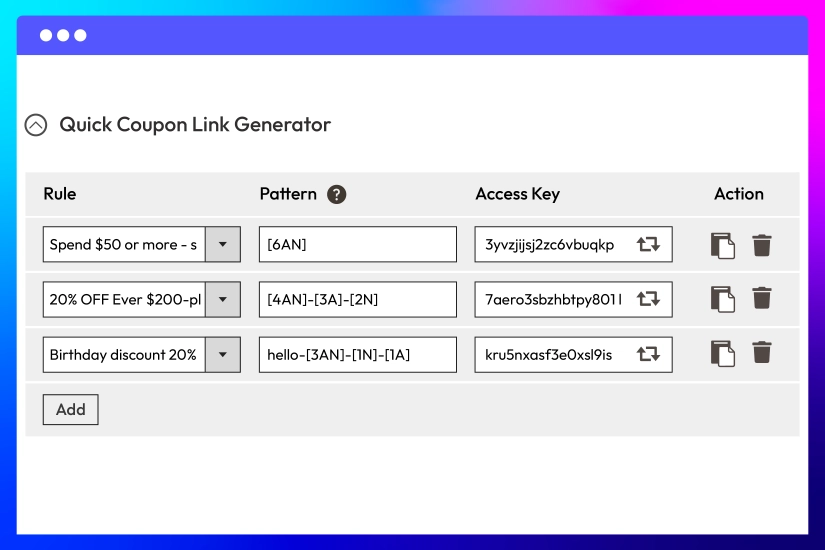
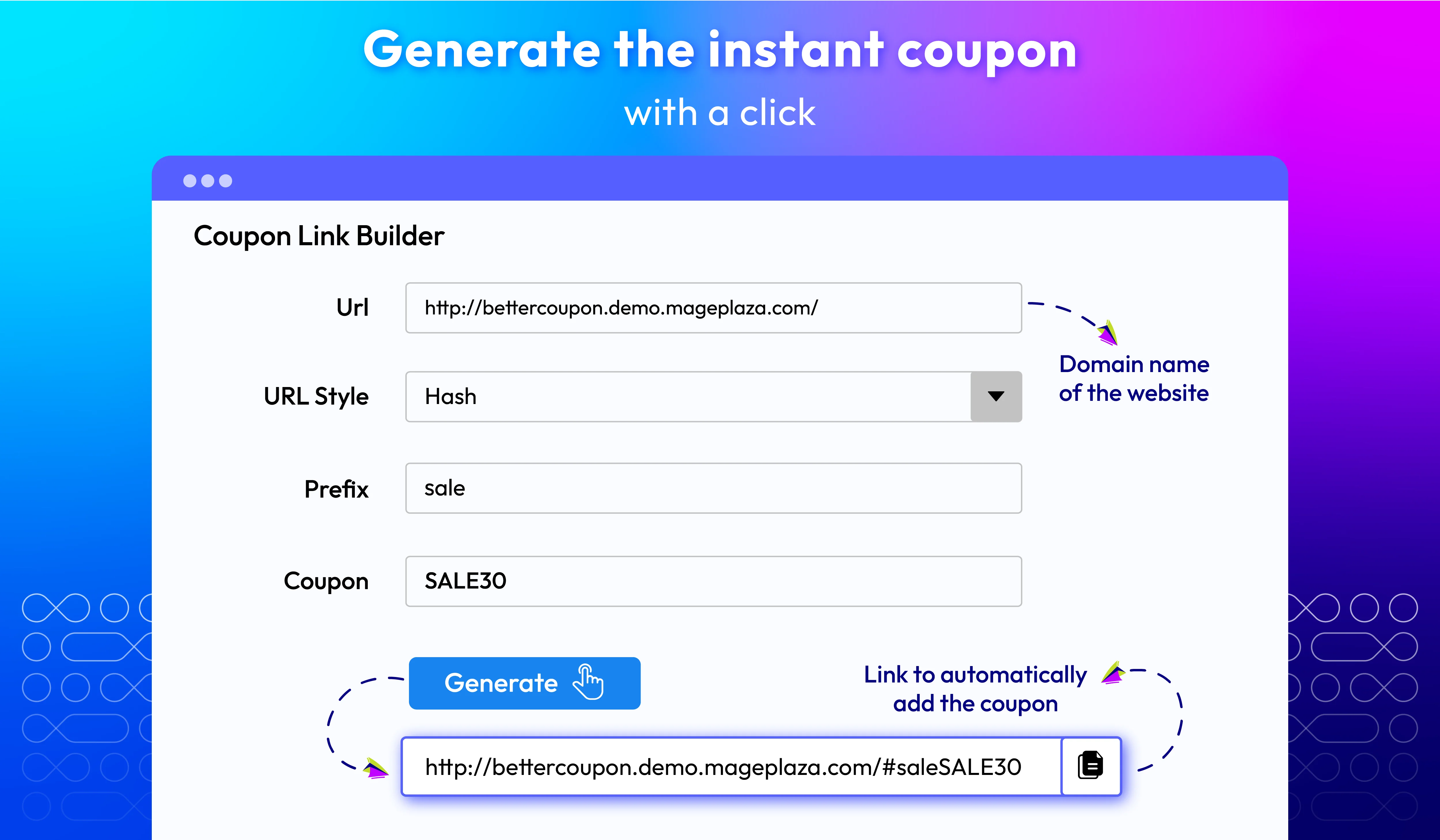
Create coupon quick links
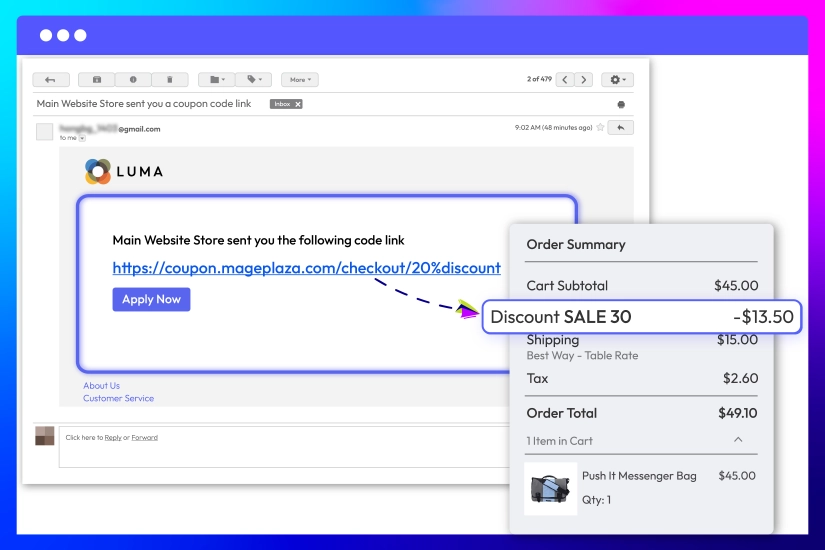
Auto-apply discounts via URL links
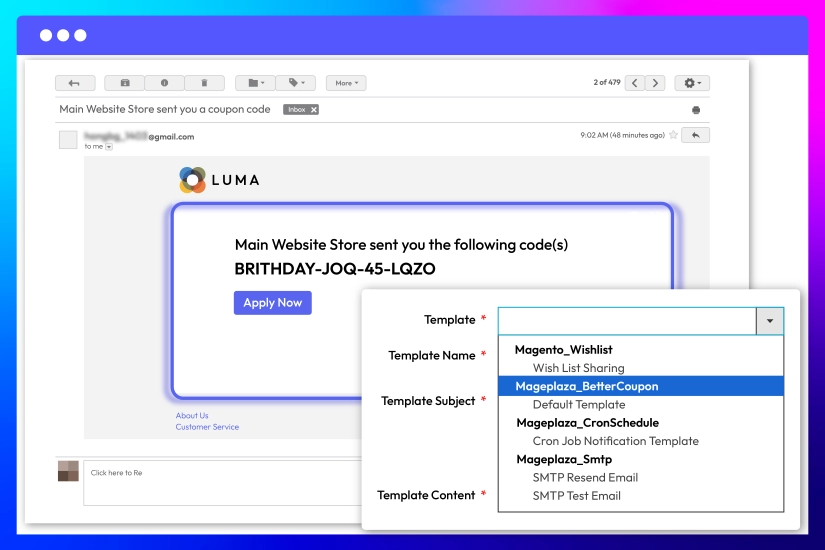
Customize email templates
Smart Multi-Coupon Checkout with Advanced Restrictions
Unlock greater flexibility at checkout while keeping full control over your promotions. With smart multi-coupon support and advanced usage rules, shoppers can stack eligible discounts for a better deal, while you prevent abuse, ensuring higher conversions without hurting profit margin.
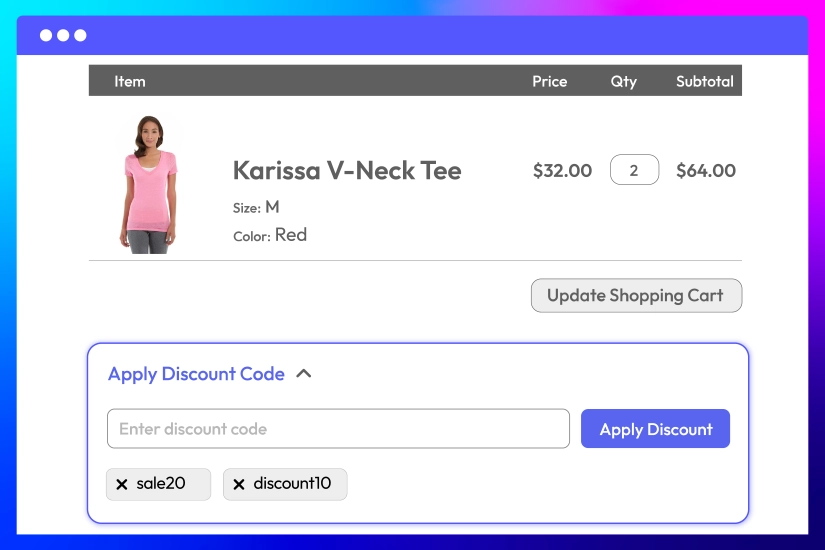
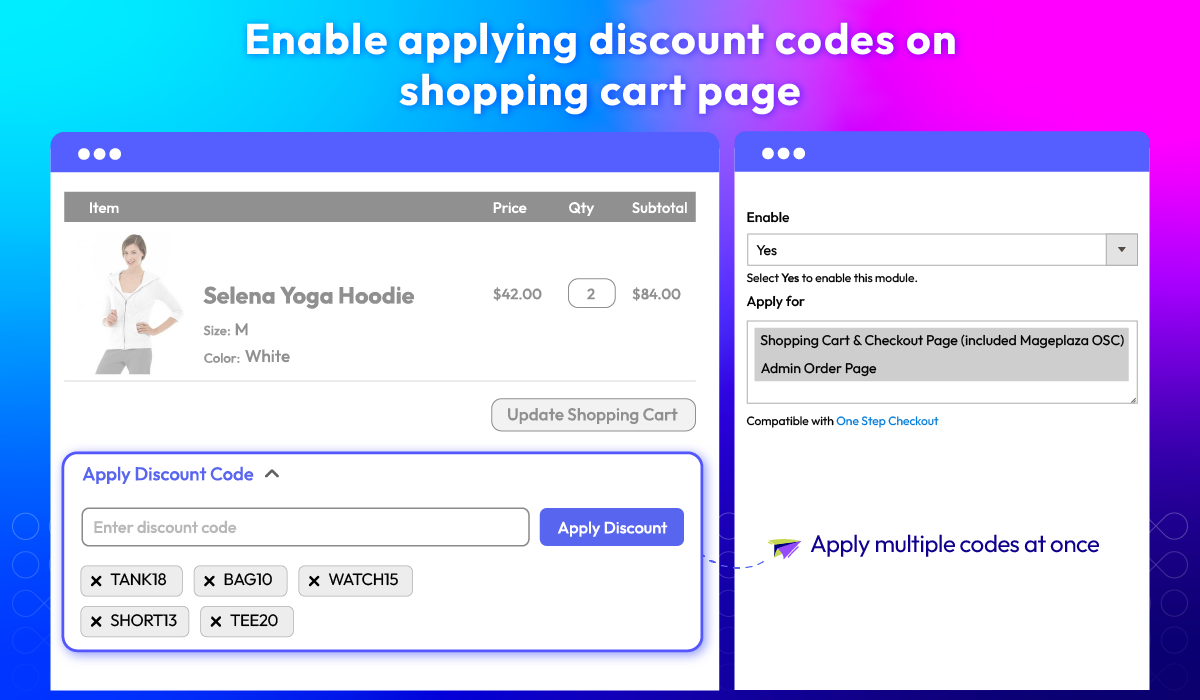
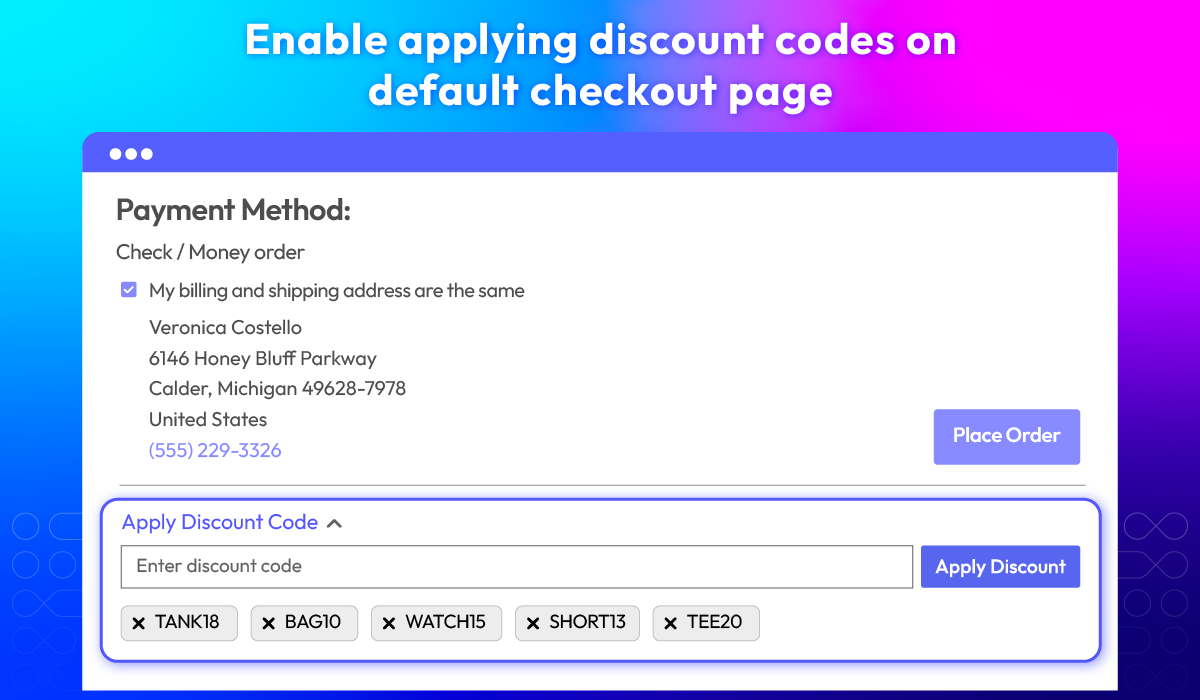
Let shoppers apply multiple coupons on the frontend
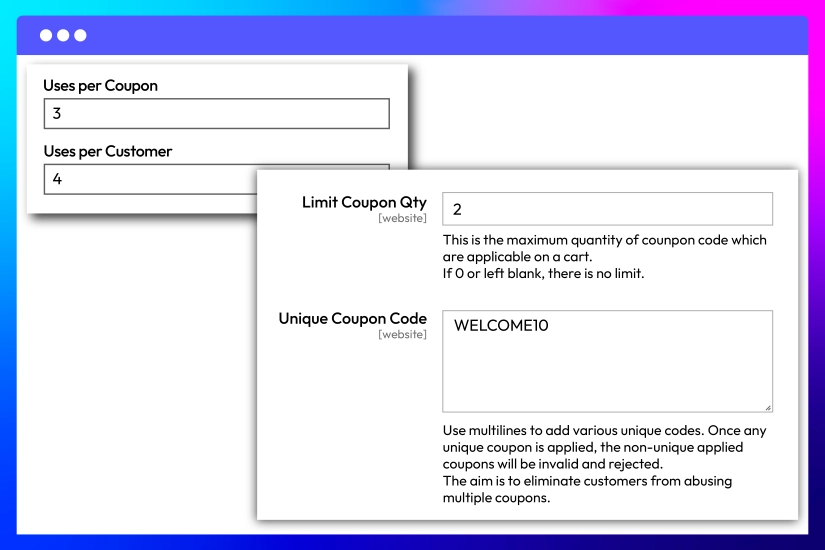
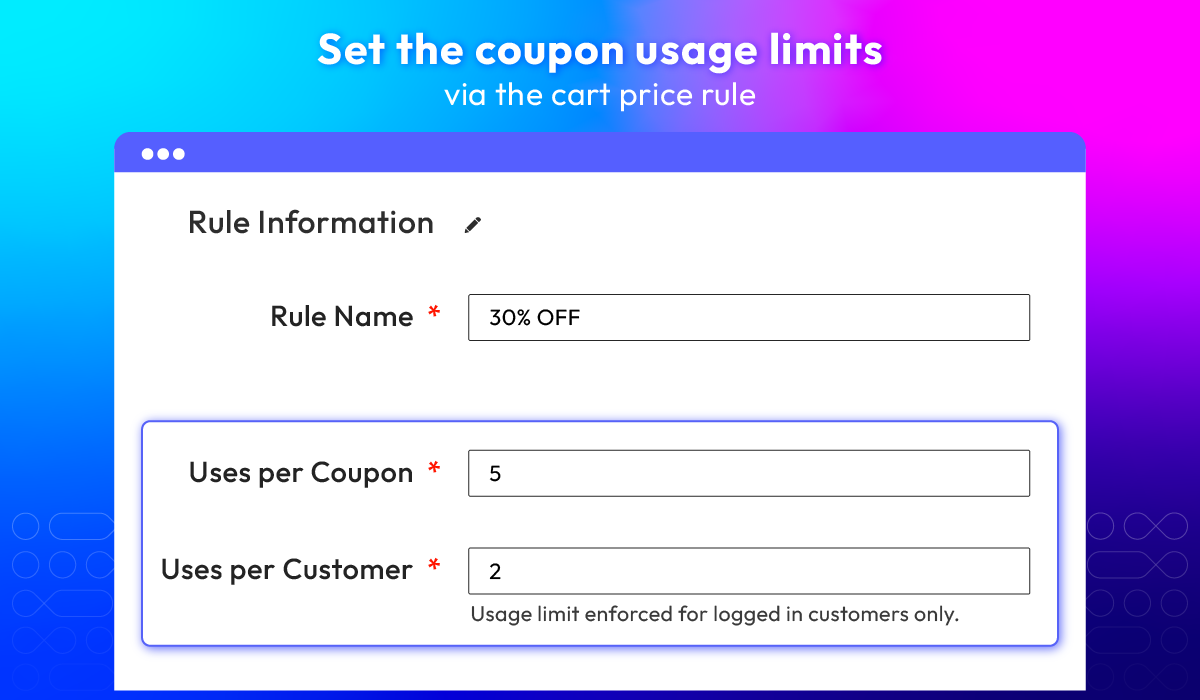
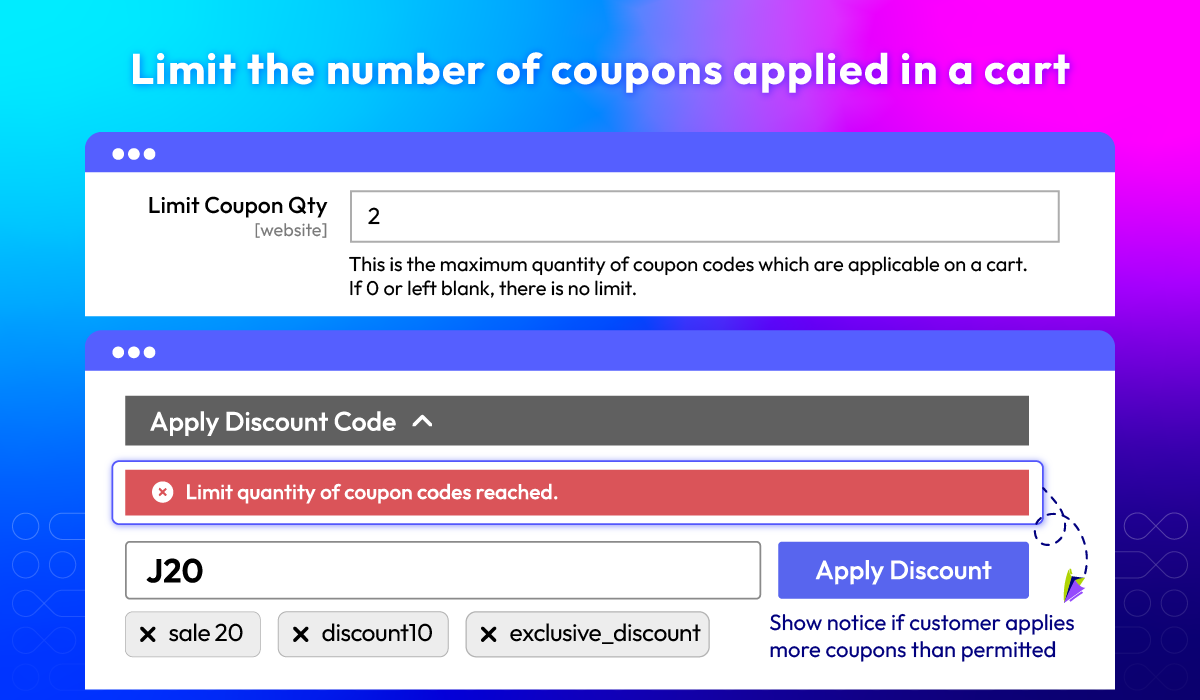
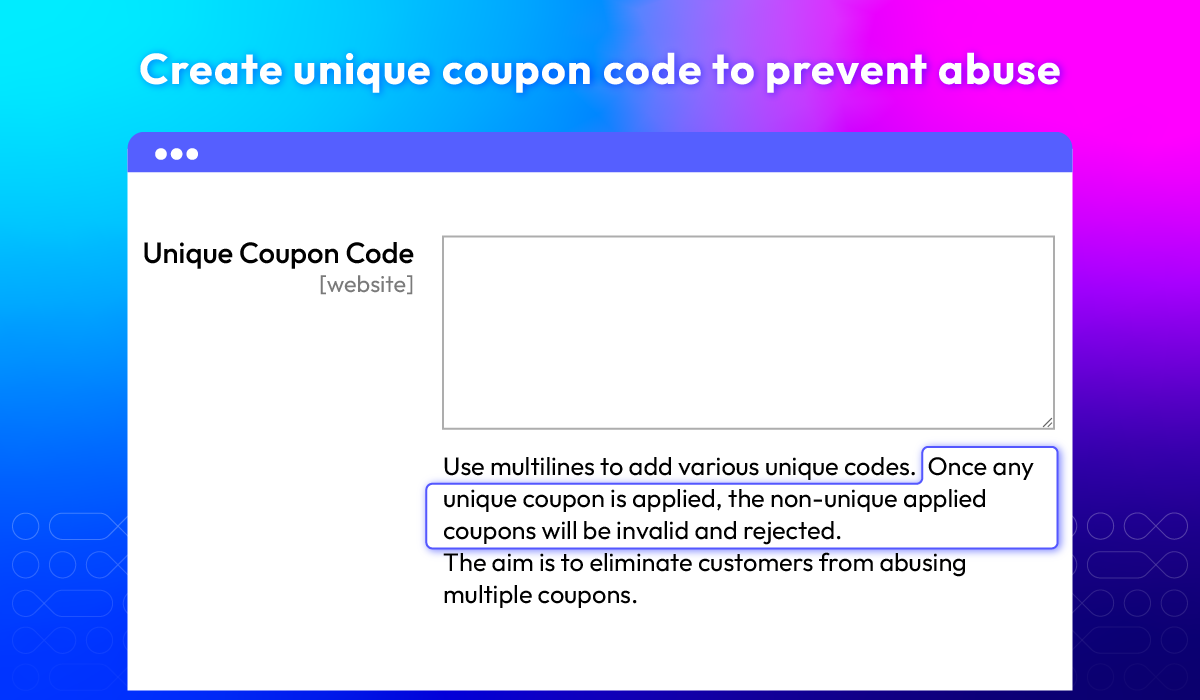
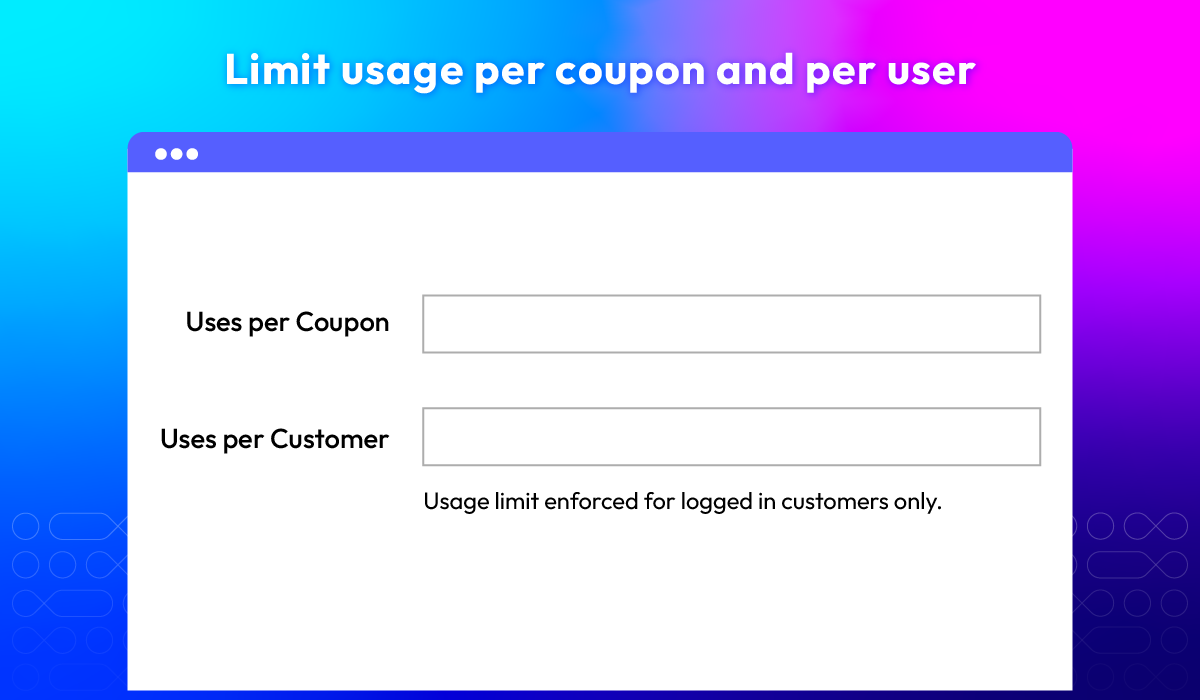
Set unique codes and code limitations
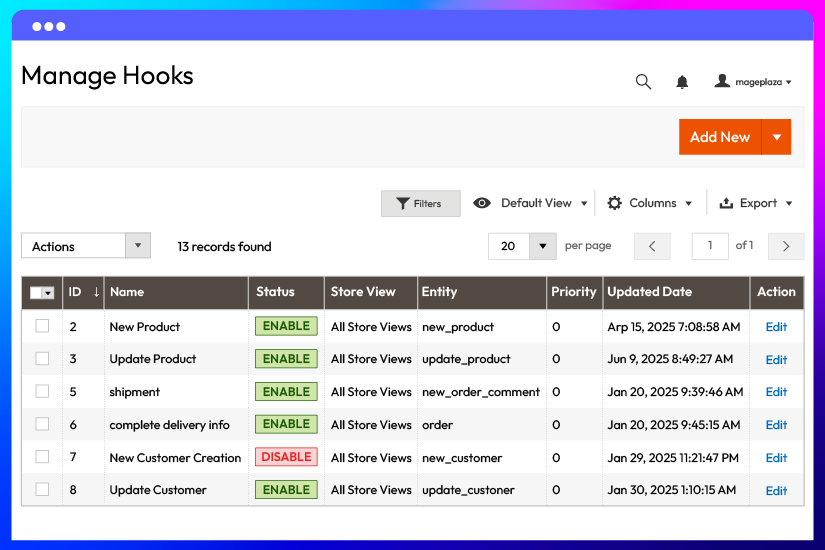
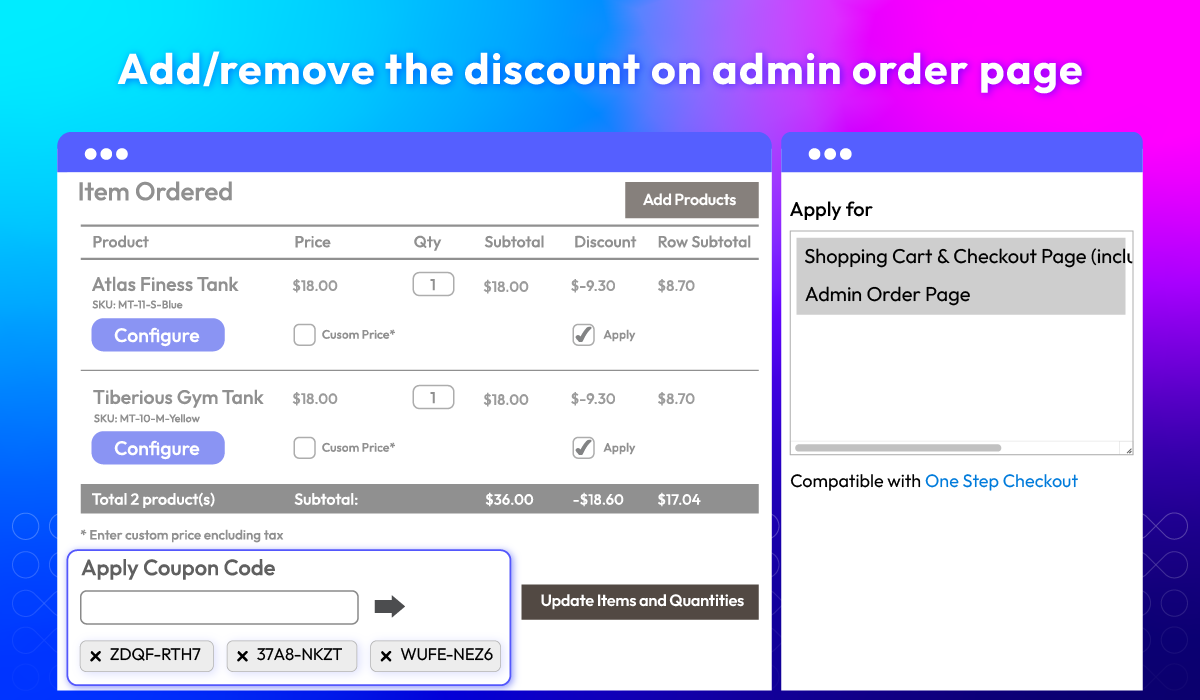
Apply/remove coupons on admin order page
Other Helpful Features for Coupon Code module
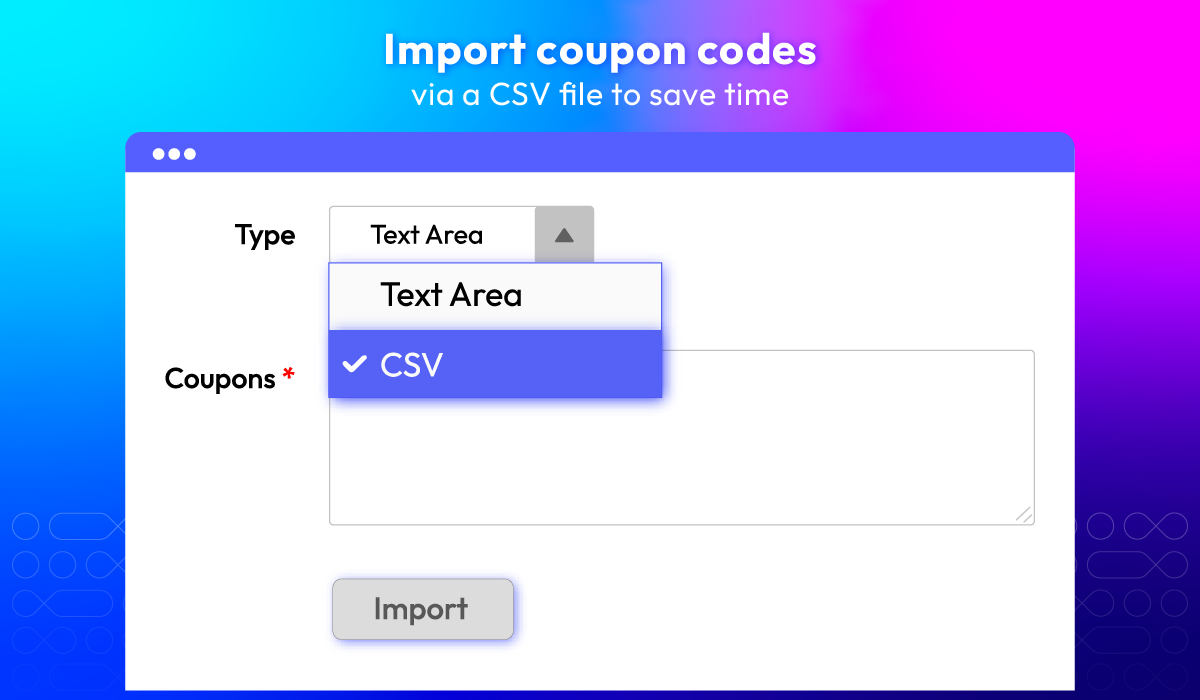
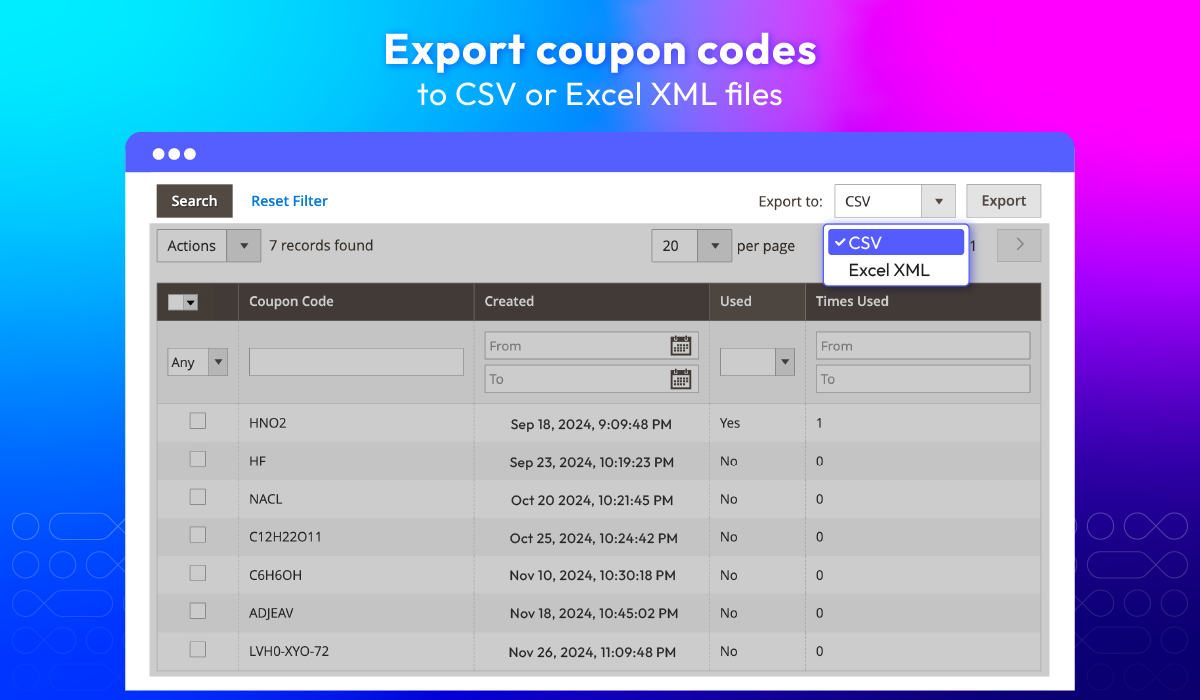
Import & export coupon codes in bulk
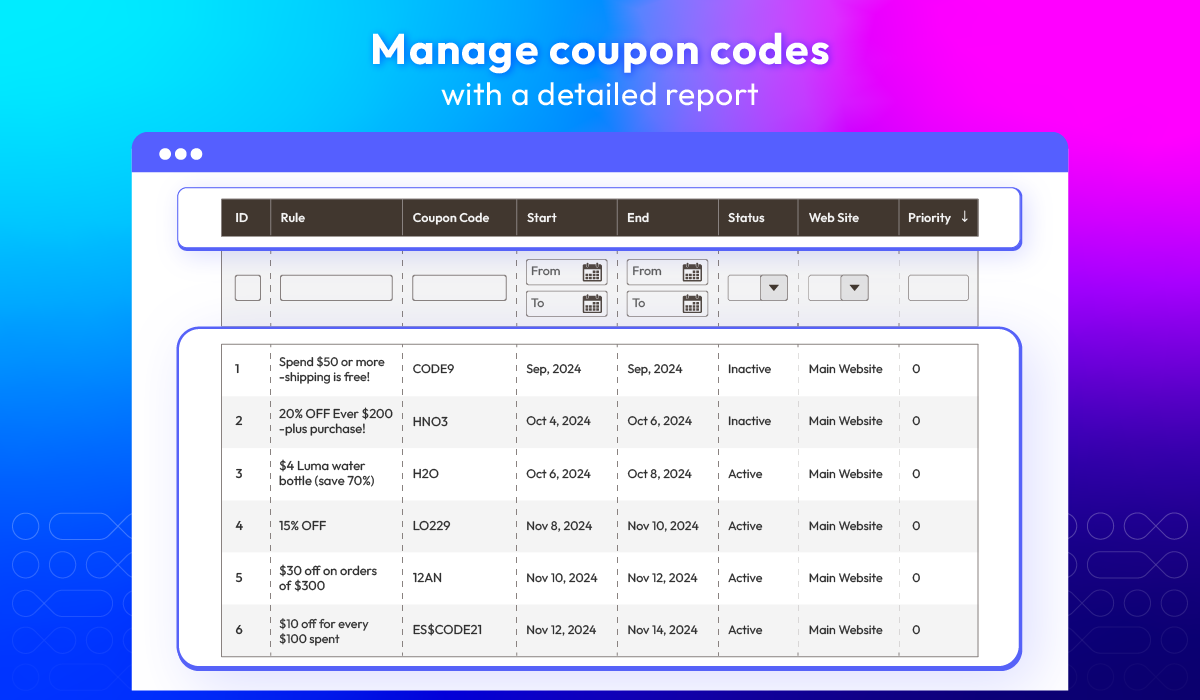
Track coupon codes
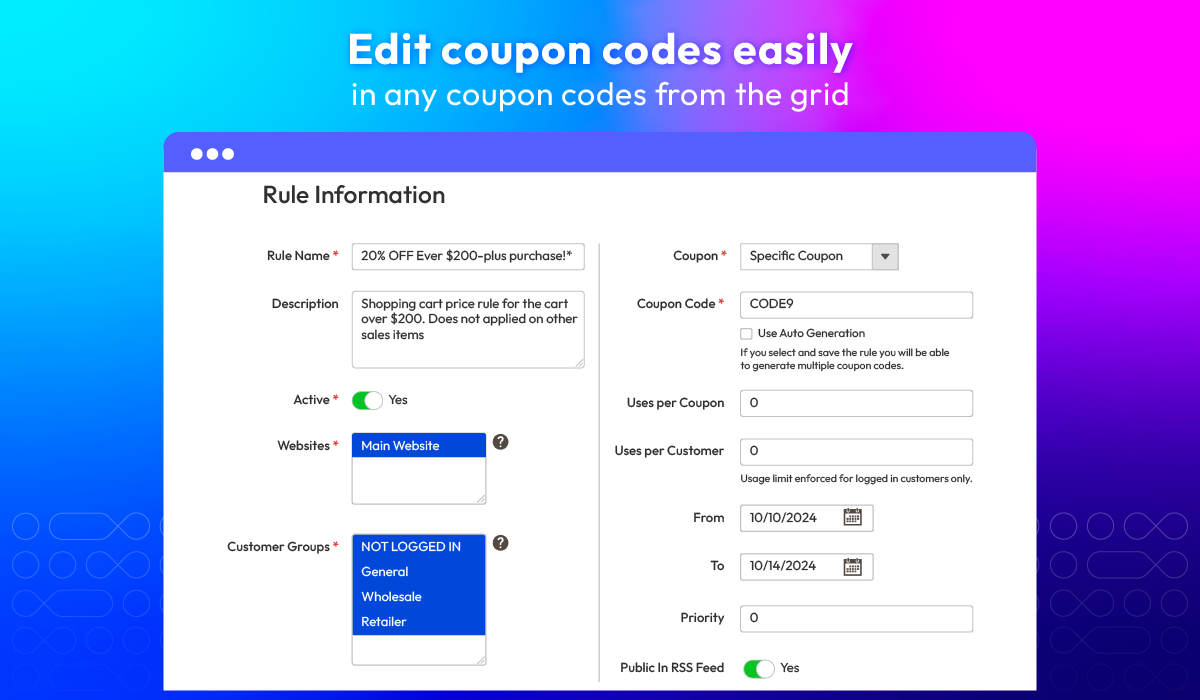
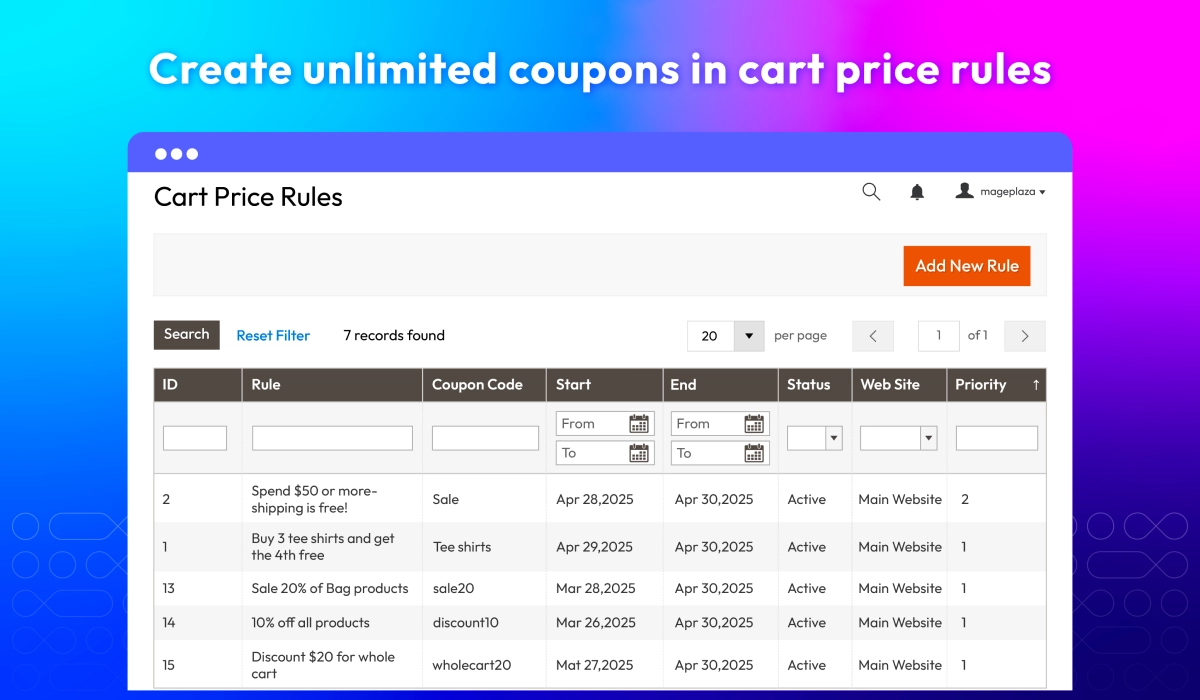
Create coupons in cart price rules
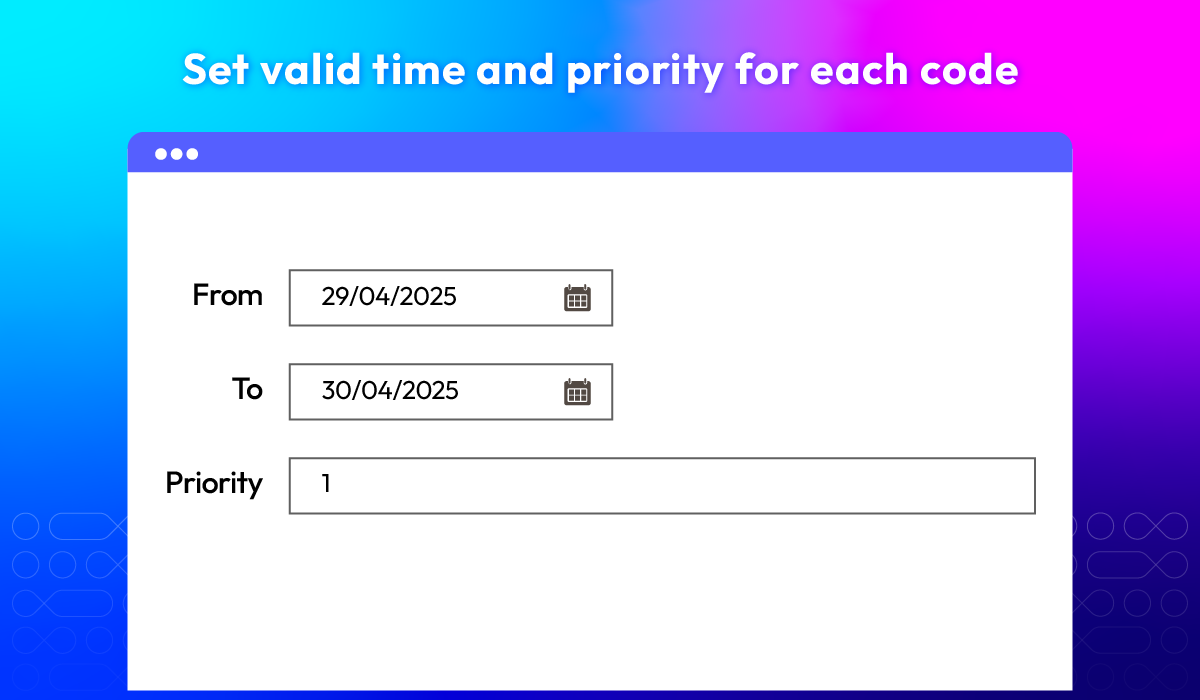
Set valid time
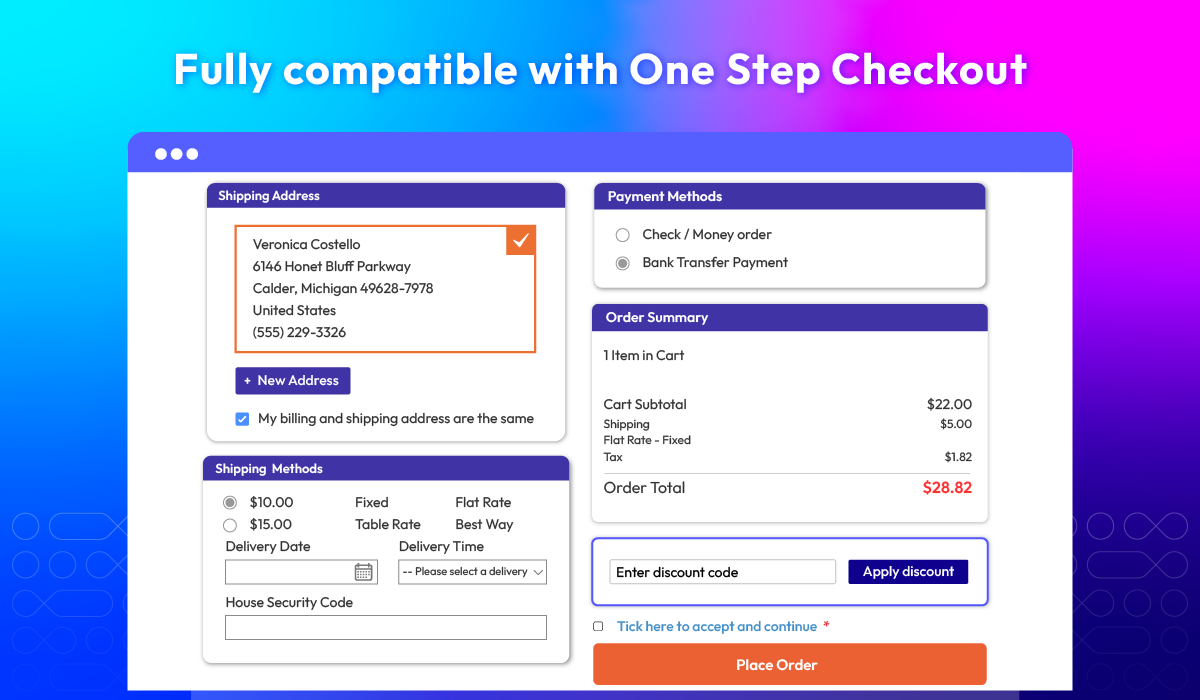
One Step Checkout integration
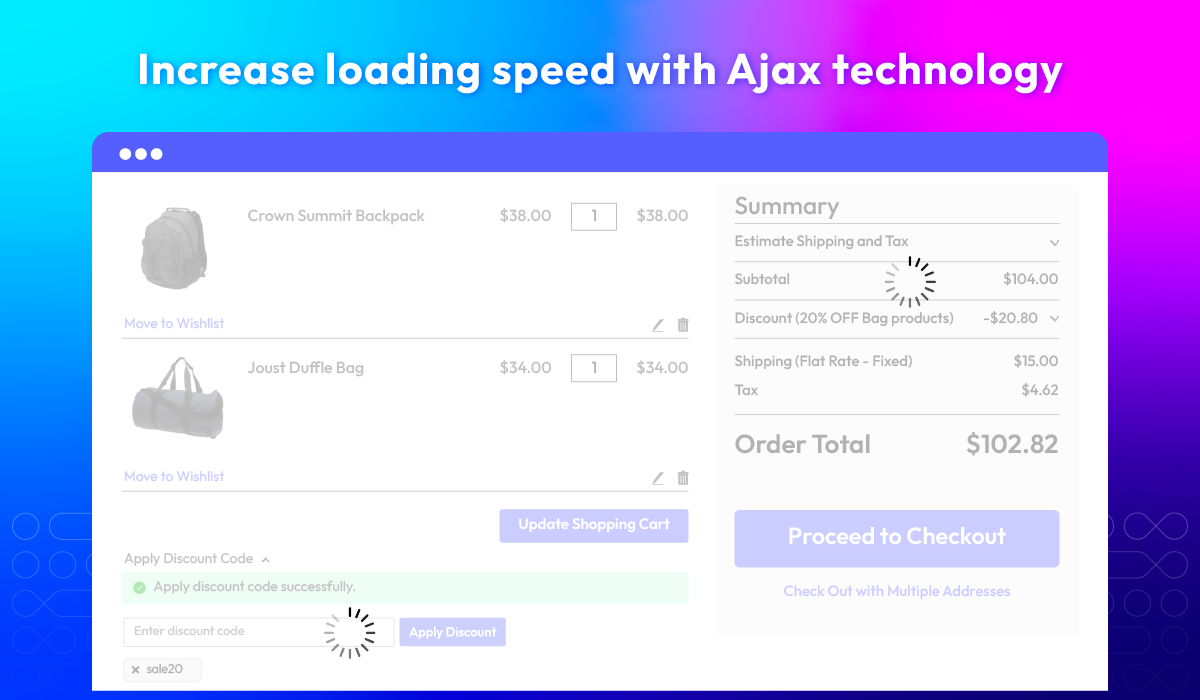
Ajax support
API support
Extension compatibility
What customers say about us

Release notes
-
v4.1.0 (Magento v2.4.x)
28 November 2025
- New Feature: Added new feature Multiple Coupons
-
v4.0.5 (Magento v2.4.x)
20 October 2025
- Bug Fix: Fixed error when accessing the module configuration section in the Admin panel
-
v4.0.4 (Magento v2.4.x)
07 May 2025
- Compatibility: Now compatible with Magento 2.4.8
-
v4.0.3 (Magento v2.4.x)
11 December 2024
- Compatibility: Now compatible with Hyva theme
- Compatibility: Now compatible with Magento 2.4.7
-
v4.0.2 (Magento v2.4.x)
30 May 2023
- Compatible with Magento v2.4.6
- Fixed minor bugs
-
v1.0.5 (Magento v2.3.x)
22 August 2021
- Compatible with Magento 2.3.7
- Fix some minor bugs
-
v4.0.1 (Magento v2.4.x)
06 June 2021
- Compatible with Magento v2.4.2
- Fix minor bugs
-
v4.0.0 (Magento v2.4.x)
22 January 2021
- Supported Magento v2.4
-
v1.0.4 (Magento v2.3.x)
22 January 2021
- Improved compatible with Magento v2.3.6
-
v1.0.3 (Magento v2.3.x)
29 June 2020
- Supported multi-store mode
- Compatible with Mageplaza Multiple Coupons
-
v1.0.2 (Magento v2.3.x)
14 May 2020
- Fixed minor bugs
-
v1.0.1 (Magento v2.3.x)
29 August 2019
Compatible with Magento 2.3
-
v1.0.0 (Magento v2.3.x)
03 May 2018
Release v1.0.0
Frequently Asked Questions
Bulk coupon codes can be created in the Cart Price Rules section by setting the "Uses per Coupon" and generating multi-use coupon codes at once.
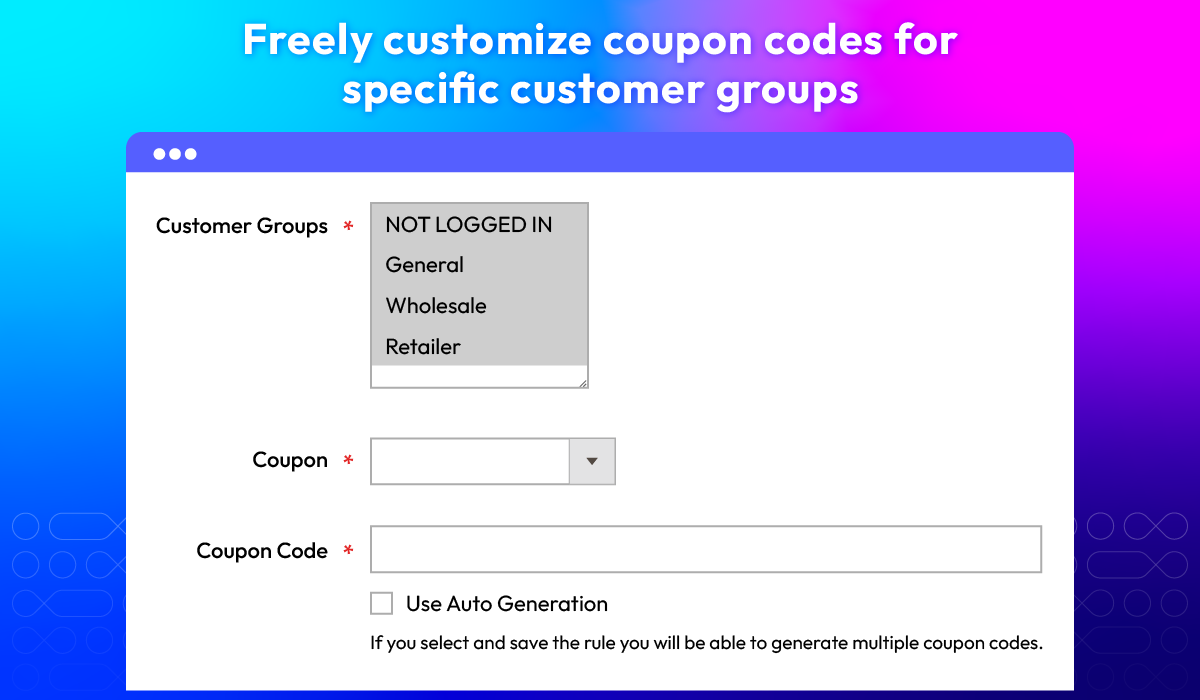
In the Magento 2 Coupon Codes extension, you can use the following coupon types:
- No coupon: Discounts are automatically applied based on shopping cart rules without requiring a code.
- Specific coupon: Single-use codes are provided to customers for targeted promotions.
- Auto-generated codes: Multiple unique codes are generated automatically for bulk distribution in marketing campaigns.
Yes, you can create promotional codes with different discount types, such as fixed amount or percentage-based discounts, providing flexibility in your promotional strategies.
You can apply various restrictions like maximum quantity discount, specific product categories, or customer groups within the cart price rule conditions.
Yes, you can set expiration dates for coupon codes by specifying the 'From' and 'To' dates in the Cart Price Rules settings.
You can import coupons from CSV files or plain text. Please refer here for more information.
You can manage and organize your coupon codes through the Magento admin panel, where you can view, edit, and delete codes as needed, ensuring efficient promotion management.
Magento 2 ensures coupon code uniqueness through its generation process, and you can enhance security by using complex code formats and setting usage limits.
In this case, you should limit the number of applied coupon per order. From the admin backend, kindly go to Multiple Coupons > Limit Coupon Qty, then set 3.
You can do properly via setting 70% coupon code as the Unique Coupon code from the admin backend. Once this coupon is applied, other coupons will be rejected.
Yes, after applying one (or several) coupons, customers can remove it easily. Besides, with Ajax, the page will not be reloaded.
Yes, it can be done easily. From admin backend, please go to Sales > Orders > Create New Order > Add Product, after filling information, you can add coupon codes to this order.
Yes, Magento 2 Coupon Code extension is compatible with Hyva theme. However, the checkout only supports hyva-themes/magento2-theme-fallback. To learn how to enable checkout on Hyva, please follow this guide.
Mageplaza provides FREE Hyva Checkout Compatibility for all of our extensions upon requests. You can request by contacting us via email, live chat, or support ticket. Our team will respond within 24 hours and ask for details such as Order ID, extension name, Magento & Hyva versions, and any special requirements. To qualify, your module subscription must be active. If your subscription has expired, renewal is required as some older modules do not support Hyva. Additional customization requests may incur extra costs, and our team will inform you before proceeding. For assistance, feel free to reach out - we're here to help!
2.4.4 - 2.4.8
Theme
Pricing
Community
$160.65 (
Enterprise/ Magento Cloud