 2.4.4 - 2.4.8

 Theme
Theme
Quick Order for Magento 2
v4.0.9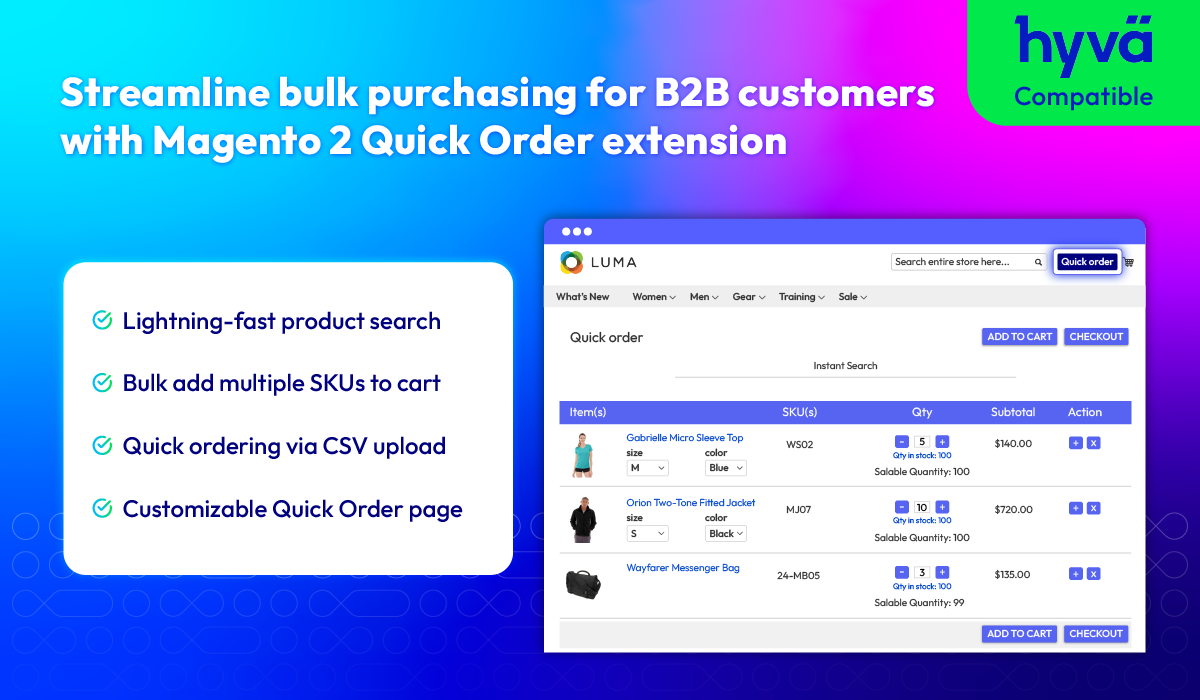
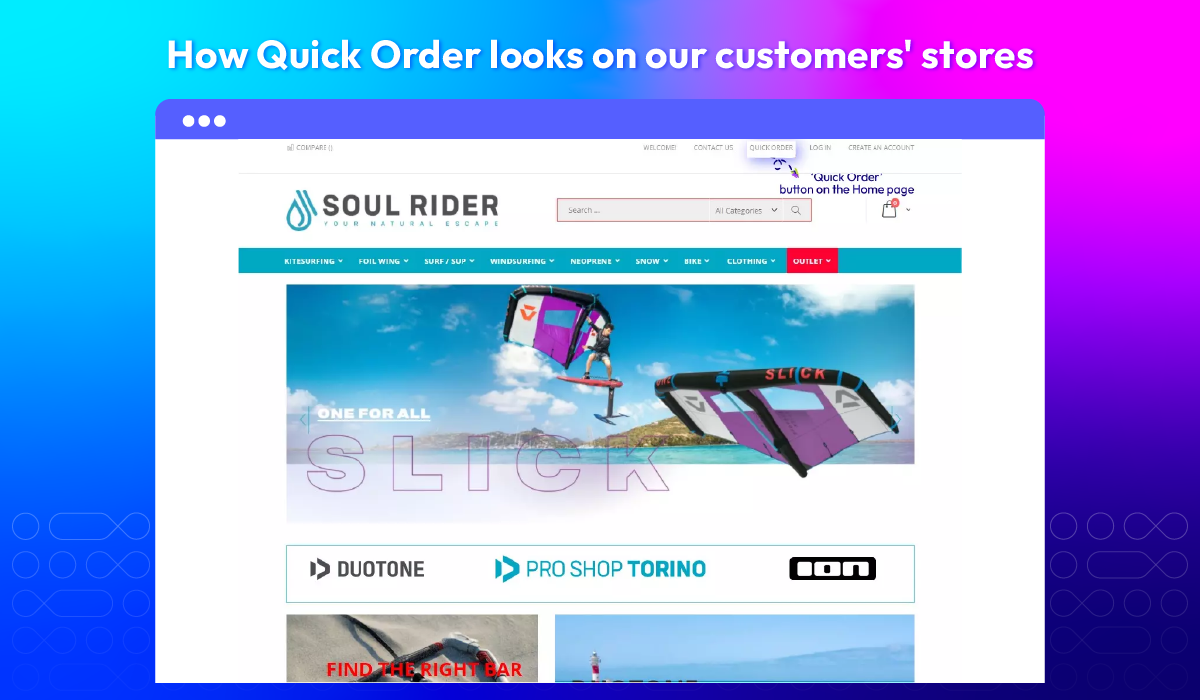
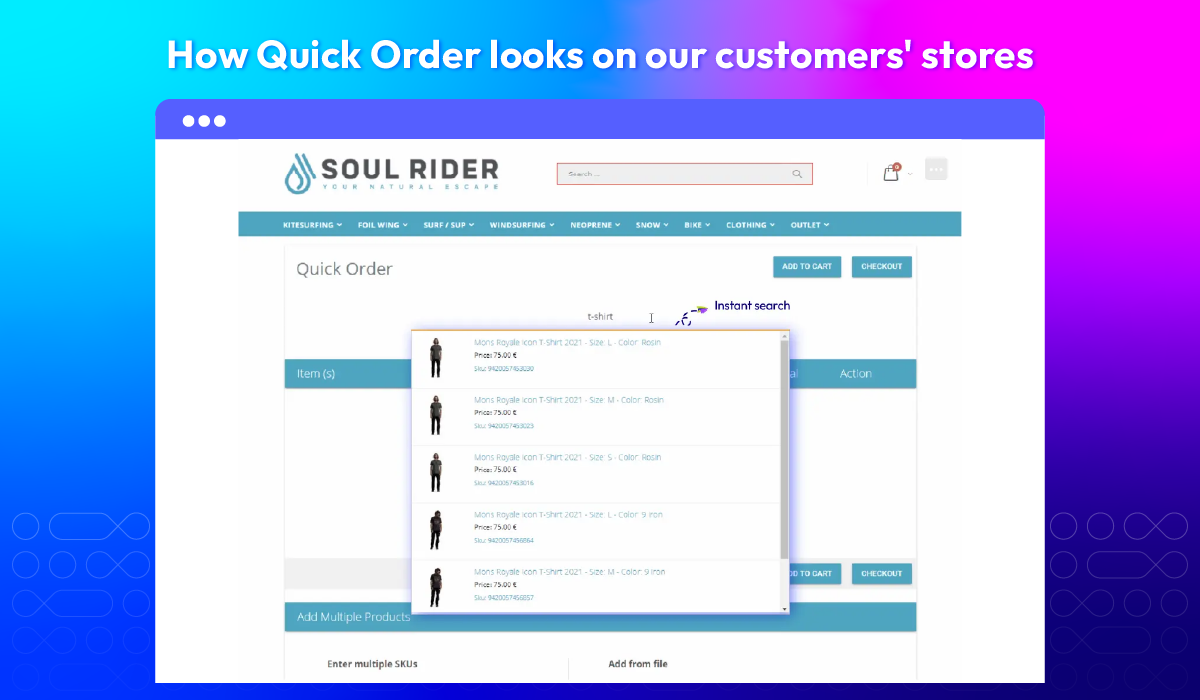
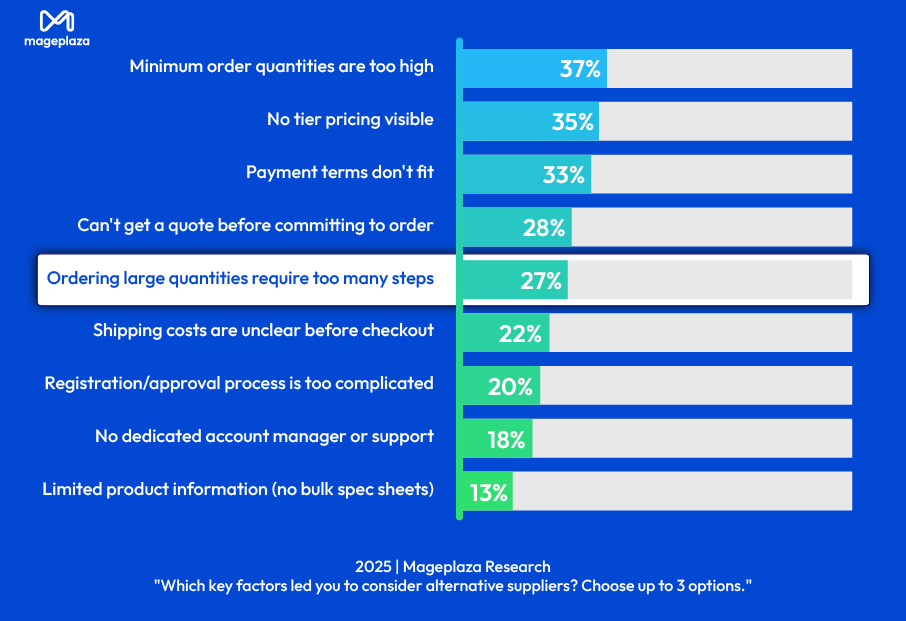
Why Wholesalers Don't Complete Their Purchases?
Faster bulk ordering in 3 simple ways
Magento 2 Quick Order extension is built to remove friction from large or repeat purchases. Whether your customers prefer uploading files, entering SKUs, or selecting products manually, the extension offers flexible methods to speed up ordering and reduce manual work.
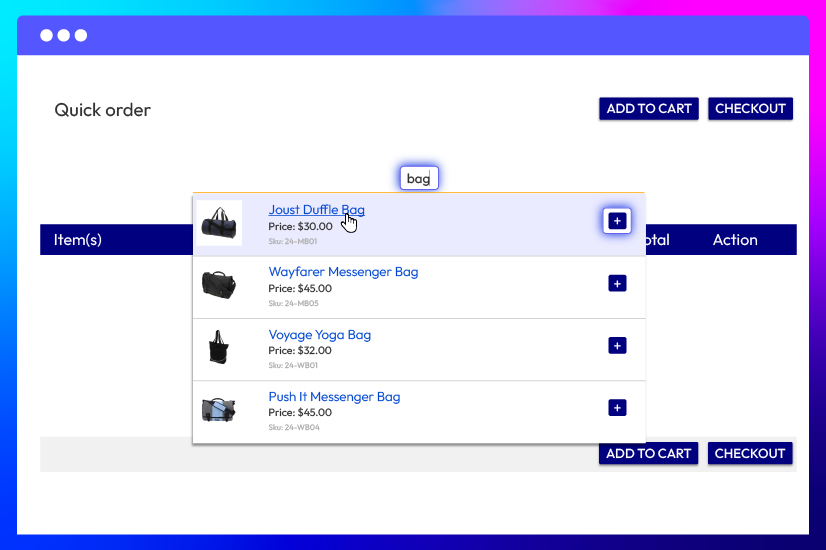
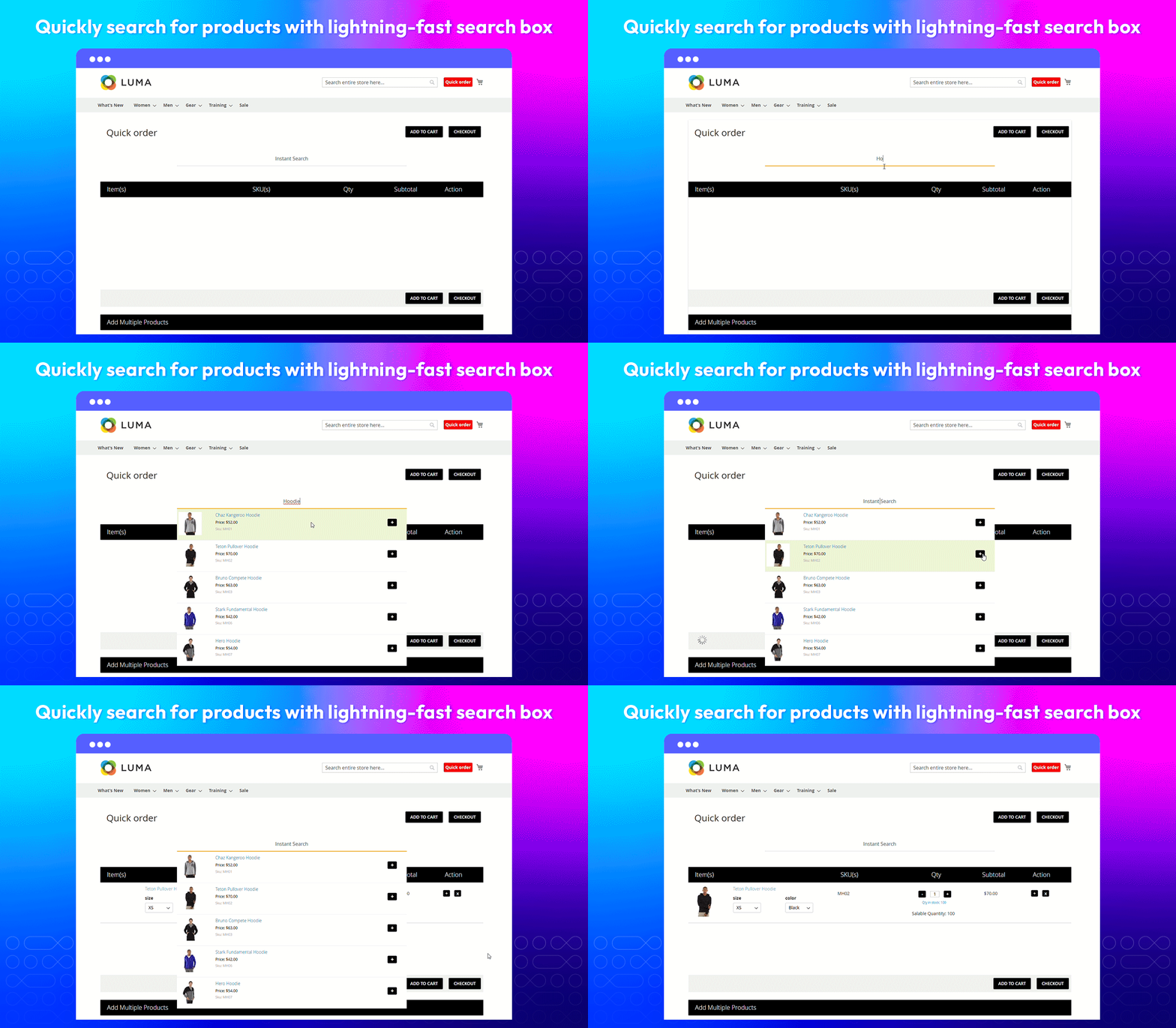
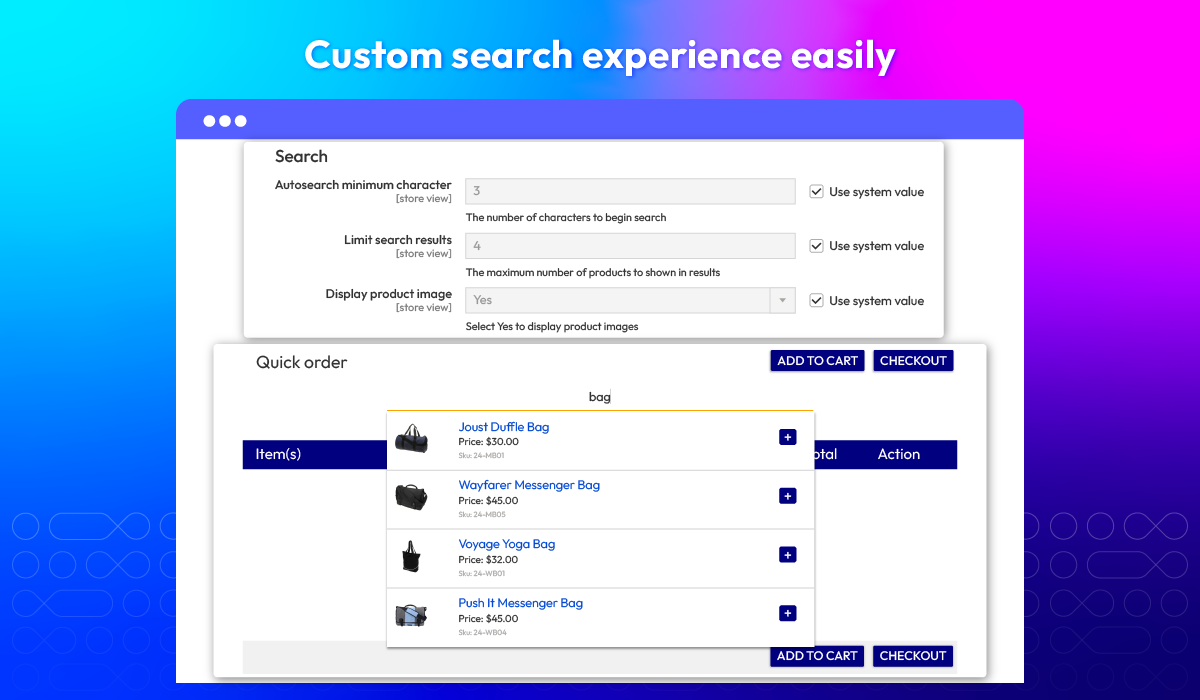
Search - Select - Add
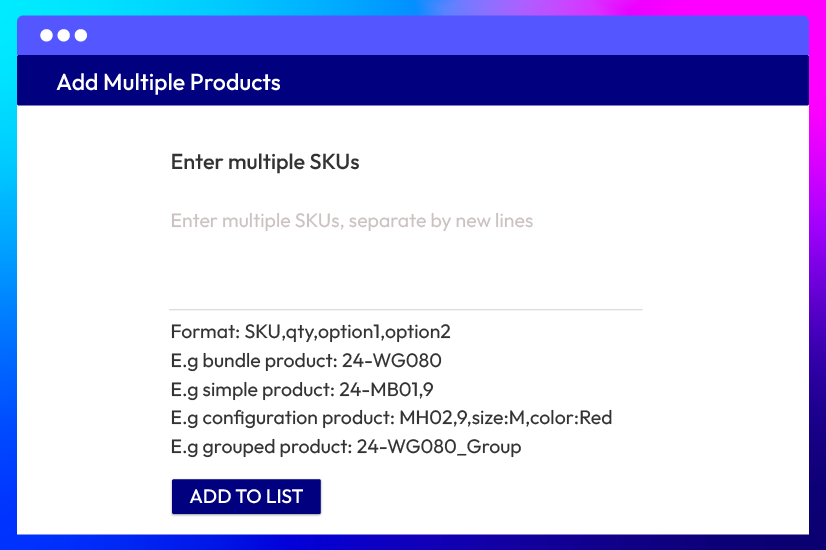
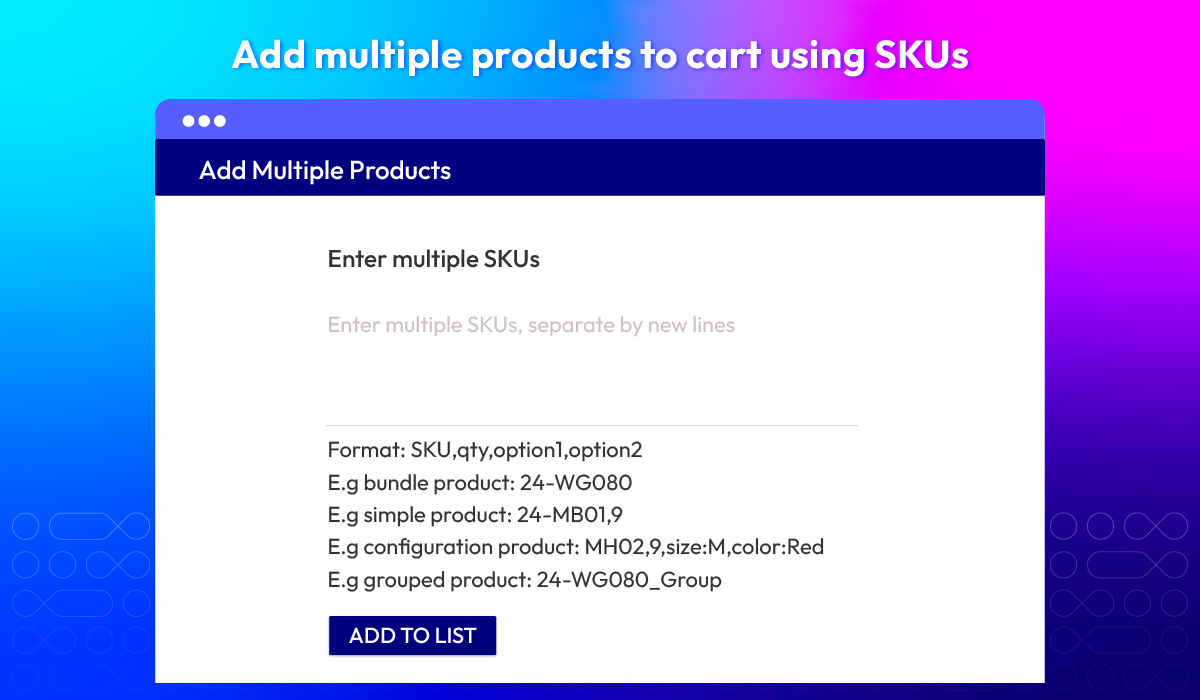
Enter multi-SKUs
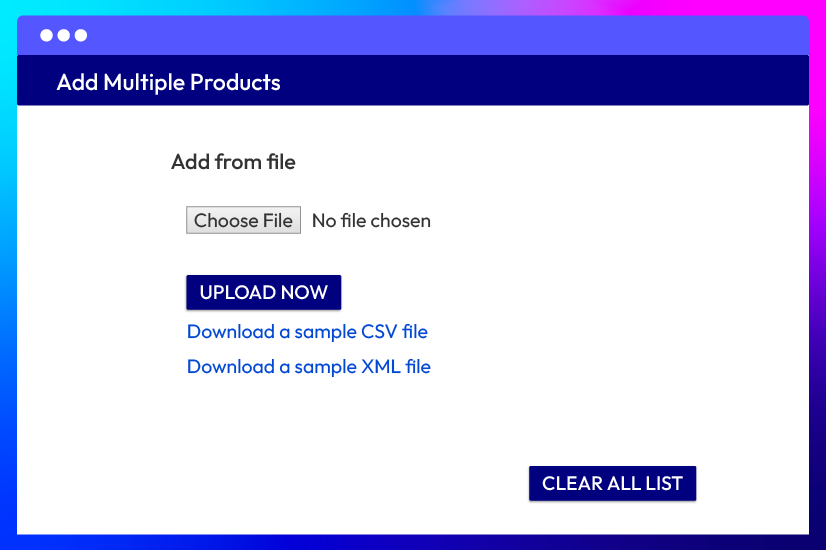
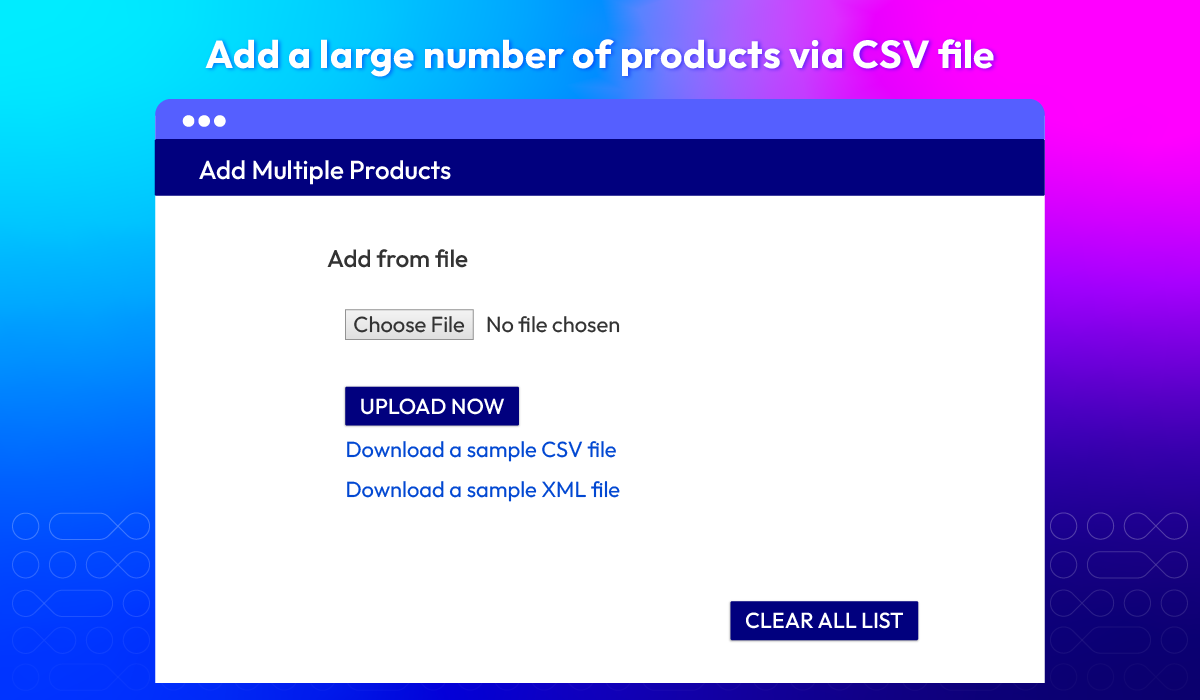
Upload a CSV file
Optimize Quick Order Page
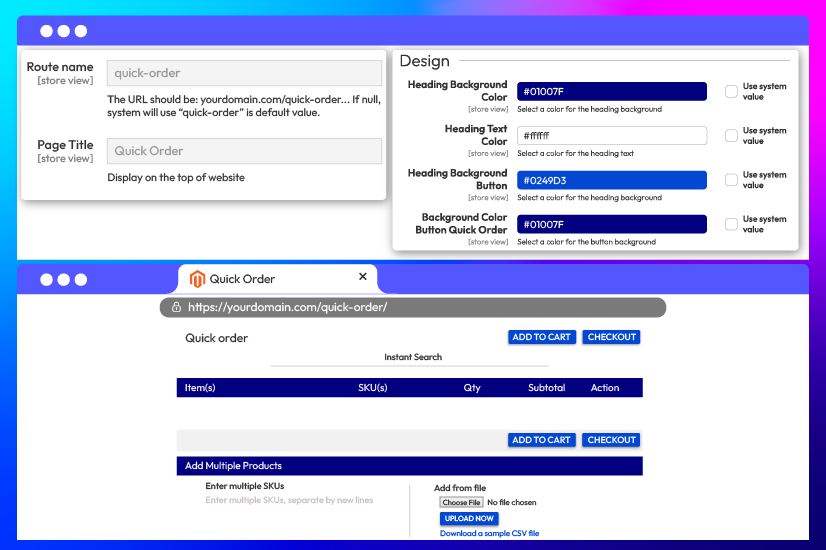
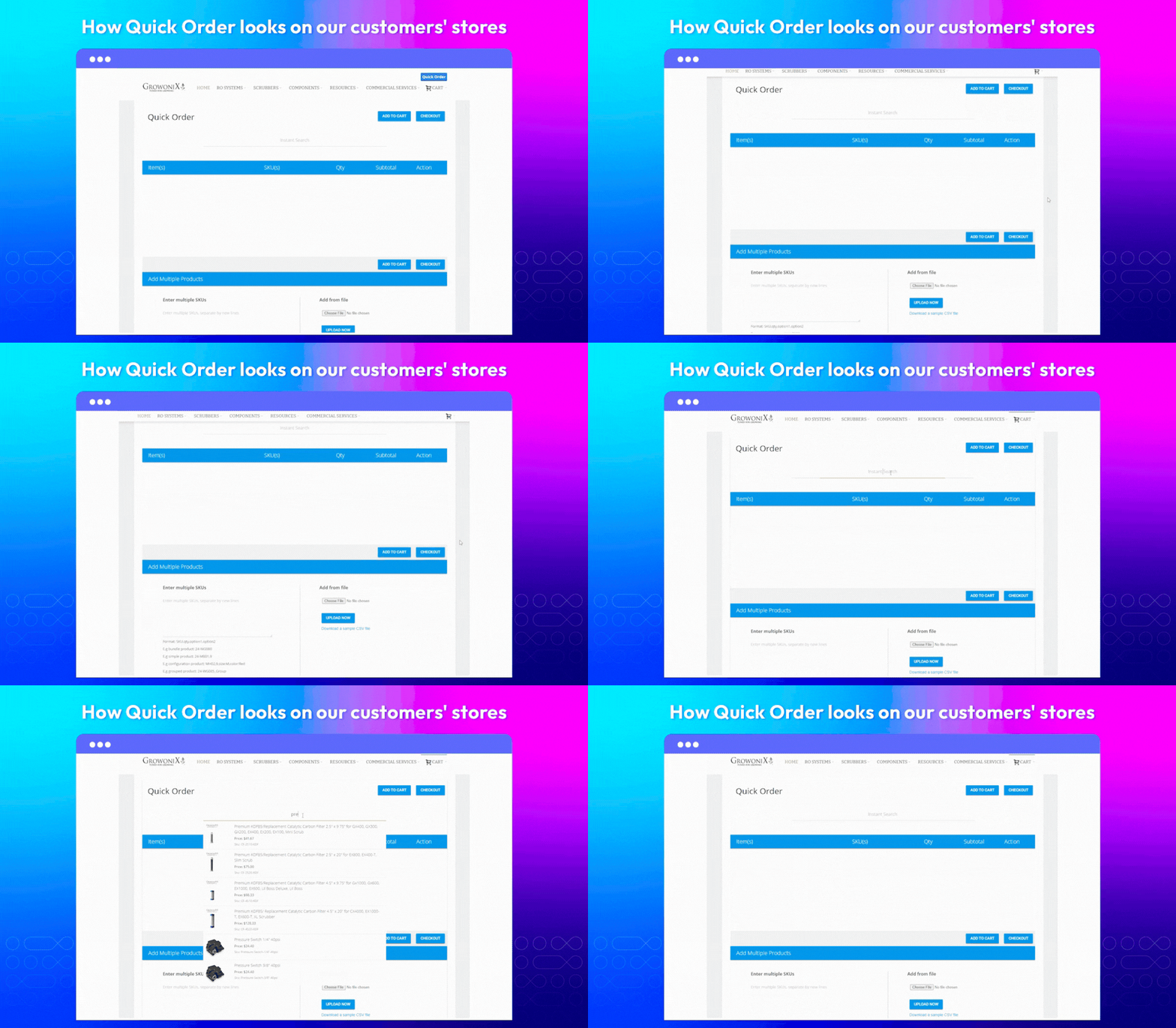
The Fast Order page is designed to be simple and easy to use. Wholesale buyers can view all 3 options of adding bulk items: search & add, upload CSV files, and use multiple SKUs.
The page is also customizable to match your store’s theme. Admins can adjust heading colors and button styles directly from the backend.
Other Helpful Features of Magento 2 Quick Order module
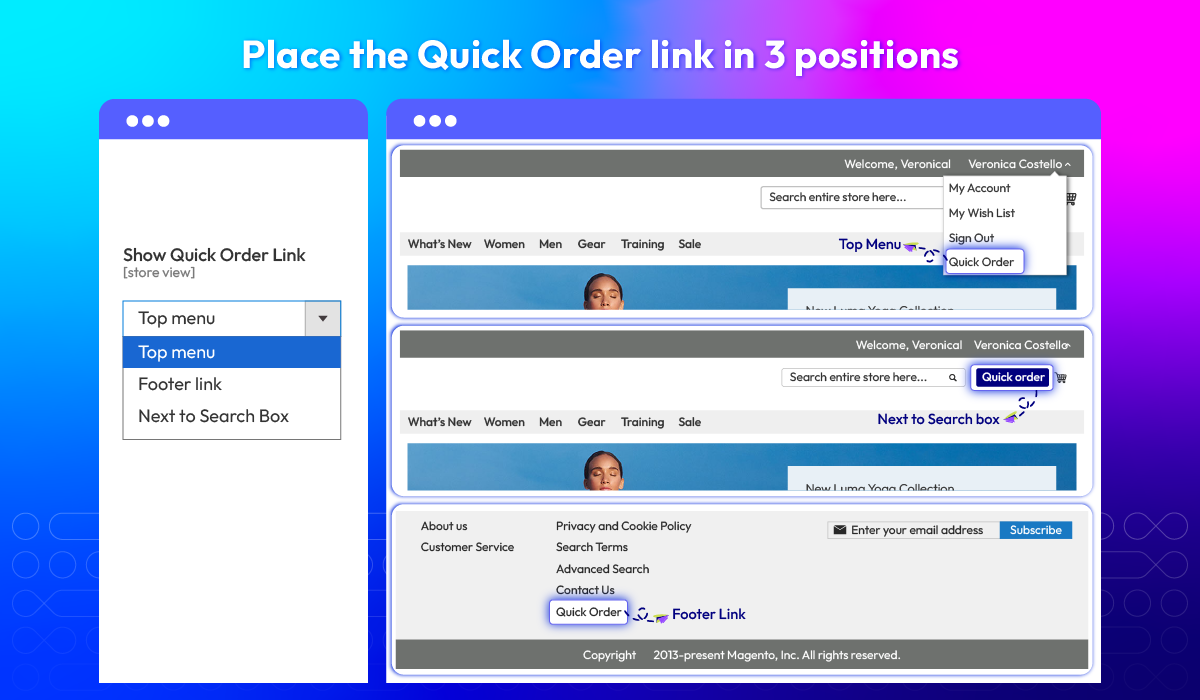
Fast order link position
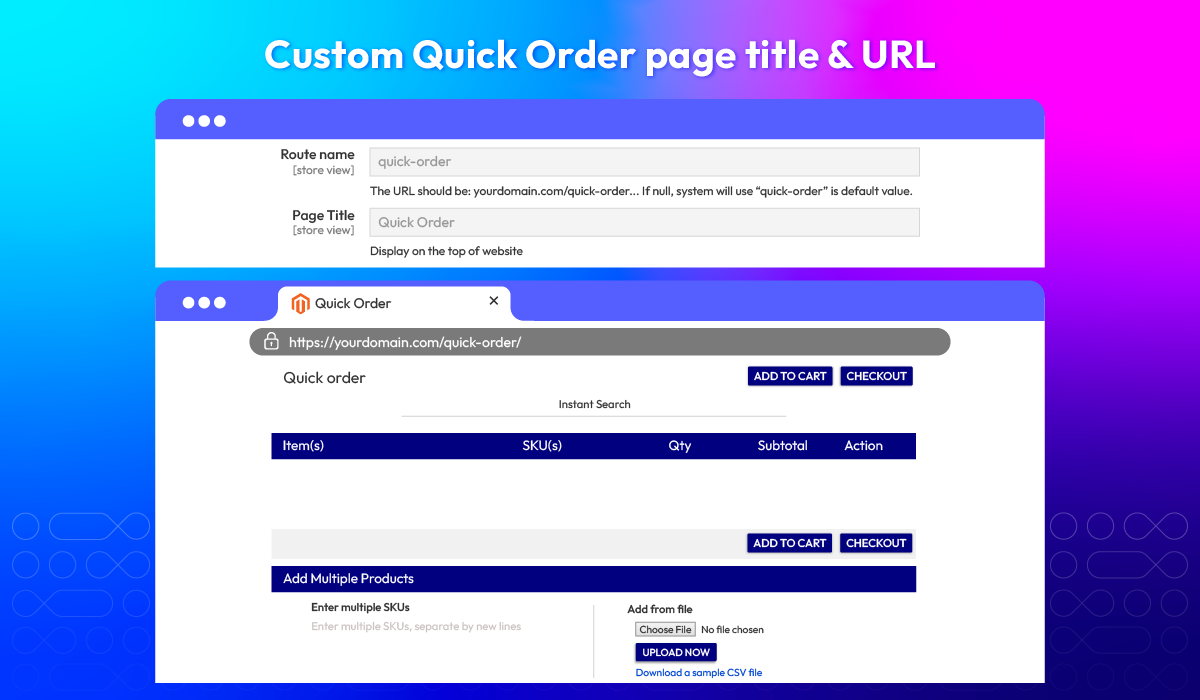
Custom URL & Page title
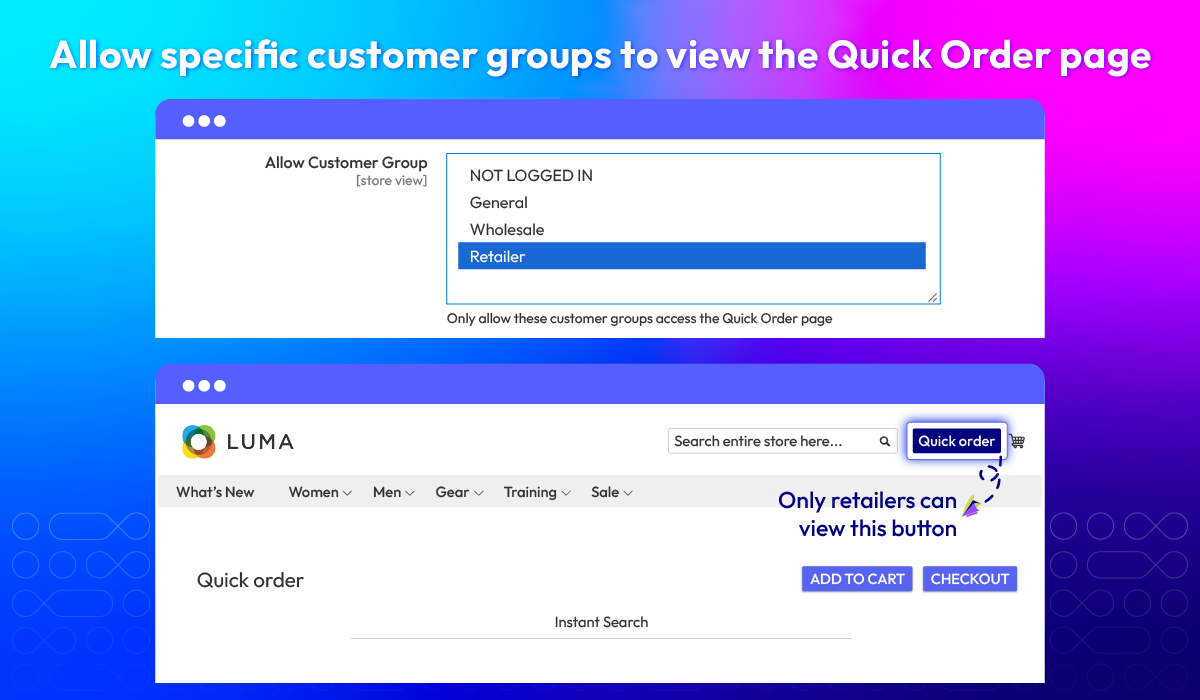
Quick order for groups
Instant search
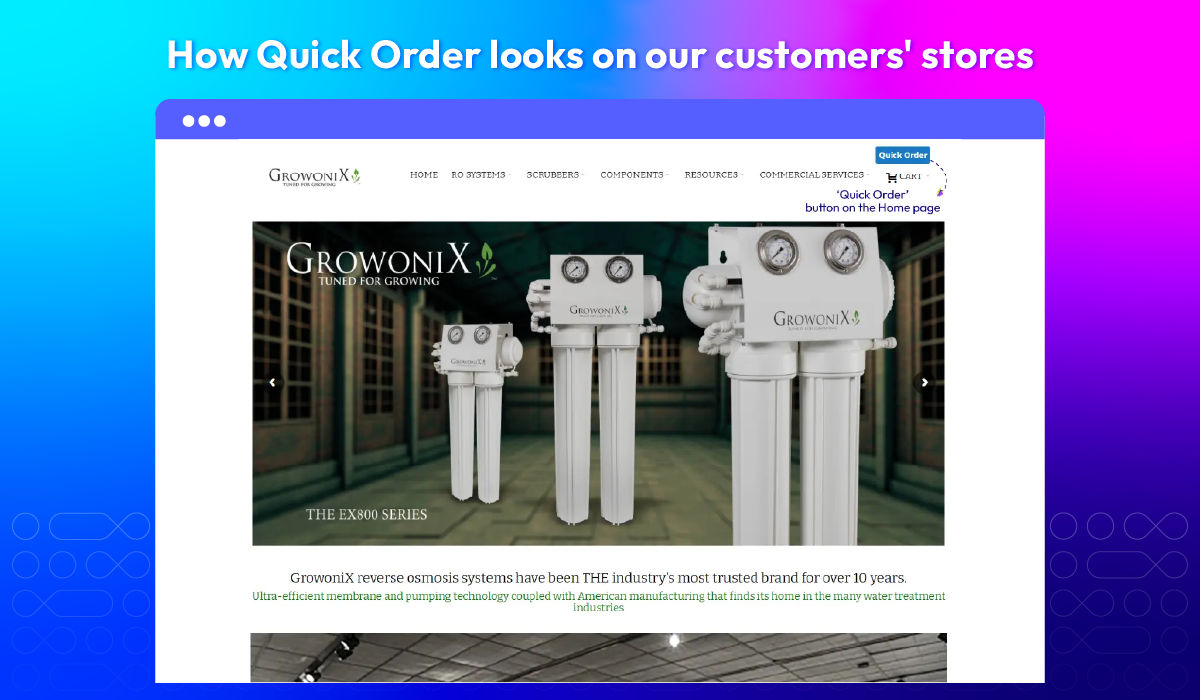
What customers say about us

Release notes
-
v4.0.9 (Magento v2.4.x)
29 April 2025
- Compatibility: Now compatible with Magento 2.4.8
-
v4.0.8 (Magento v2.4.x)
16 January 2025
- Compatibility: Now compatible with Hyva theme
- Compatibility: Now compatible with Magento 2.4.7
-
v4.0.6 (Magento v2.4.x)
27 April 2023
- Compatibility: The extension is now compatible with Magento 2.4.6
- Compatibility: The extension is now compatible with Mageplaza Pre Order
- New Update: We updated the use color picker jQuery
- New Update: We updated generated product list file via the command line
- Bug Fix: We fixed the bug loader is not hiding after adding a product out of stock
- Bug Fix: We fixed the bug with Qty Increments
-
v4.0.5 (Magento v2.4.x)
09 August 2022
- Compatibility: The extension is now compatible with Magento 2.4.4
- Bug Fix: We fixed the bug maximum quantity limit that can be added to express orders
-
v1.3.4 (Magento v2.3.x)
09 August 2022
- Compatibility: The extension is now compatible with Mageplaza Call For Price
- Bug Fix: We fixed the bug with Tier Price on Configurable Product
- Bug Fix: We fixed the bug negative price when decreasing qty
-
v4.0.4 (Magento v2.4.x)
22 June 2022
- Compatibility: The extension is now compatible with Mageplaza Call For Price
- Bug Fix: We fixed the bug with Tier Price on Configurable Product
- Bug Fix: We fixed the bug negative price when decreasing qty
-
v1.3.3 (Magento v2.3.x)
22 June 2022
- Compatible with Mageplaza Call For Price
- Fixed error with Tier Price on Configurable Product
-
v1.3.2 (Magento v2.3.x)
09 February 2022
- Compatible with modules in [B2B]
- Fixed minor bugs
-
v4.0.3 (Magento v2.4.x)
09 February 2022
- Compatible with module in [B2B]
- Fixed minor bugs
-
v1.3.1 (Magento v2.3.x)
26 October 2021
- Compatible with Magento 2.3.7
- Fix some minor bugs
-
v4.0.2 (Magento v2.4.x)
26 October 2021
- Compatible with Magento 2.4.3
- Fix some minor bugs
-
v1.3.0 (Magento v2.3.x)
06 June 2021
- Add button on search result, import xml
- Fix minor bugs
-
v4.0.1 (Magento v2.4.x)
18 April 2021
- Compatible with Magento v2.4.2
- Fix minor bugs
-
v4.0.0 (Magento v2.4.x)
19 January 2021
- Supported Magento v2.4
-
v1.2.0 (Magento v2.3.x)
19 January 2021
- Supported GraphQL
- Fixed minor bugs
-
v1.1.0 (Magento v2.3.x)
10 November 2020
- Supported Rest API
- Fixed minor bugs
-
v1.0.5 (Magento v2.3.x)
09 September 2020
- Compatible with Magento v2.3.5
-
v1.0.4 (Magento v2.3.x)
13 July 2020
- Fixed error while add product to cart with custom options
- Fixed minor bugs
-
v1.0.3 (Magento v2.3.x)
06 May 2020
- Compatible with Magento v2.3.4
- Added validation for salable qty & minimum qty
-
v1.0.2 (Magento v2.3.x)
10 June 2019
- Compatible with Magento 2.3.1
- Improved code style & performance
Frequently Asked Questions
You can use instant search by product names or SKUs, add multiple SKUs or upload a CSV file.
It is. You can configure this from the backend.
They will be notified by a message that you set in the backend.
There are several ways to change the number of products. You can either use the +/- buttons or directly type the exact number in.
Yes, you can. You can enter as many SKUs as you want to search for all of products with only one single click
No, you don’t. You can search and select appropriate products right on one page only.
Customers will be sent back to Quick Order page with all added items remained
The standard package does support bundle and group products. For product with custom options, Quick Order supports these types of selections: dropdown, checkbox, radio button, and text. Please contact us for more details.
Yes, Quick Order for Magento 2 is compatible with Hyva theme. However, the checkout only supports hyva-themes/magento2-theme-fallback. To learn how to enable checkout on Hyva, please follow this guide.
Mageplaza provides FREE Hyva Checkout Compatibility for all of our extensions upon requests. You can request by contacting us via email, live chat, or support ticket. Our team will respond within 24 hours and ask for details such as Order ID, extension name, Magento & Hyva versions, and any special requirements. To qualify, your module subscription must be active. If your subscription has expired, renewal is required as some older modules do not support Hyva. Additional customization requests may incur extra costs, and our team will inform you before proceeding. For assistance, feel free to reach out - we're here to help!
2.4.4 - 2.4.8
Theme
Pricing
Community
$199 first year

Enterprise/ Magento Cloud