 2.4.4 - 2.4.8

 Theme & Checkout
Magento 2 Shop By Brand Extension
v4.9.3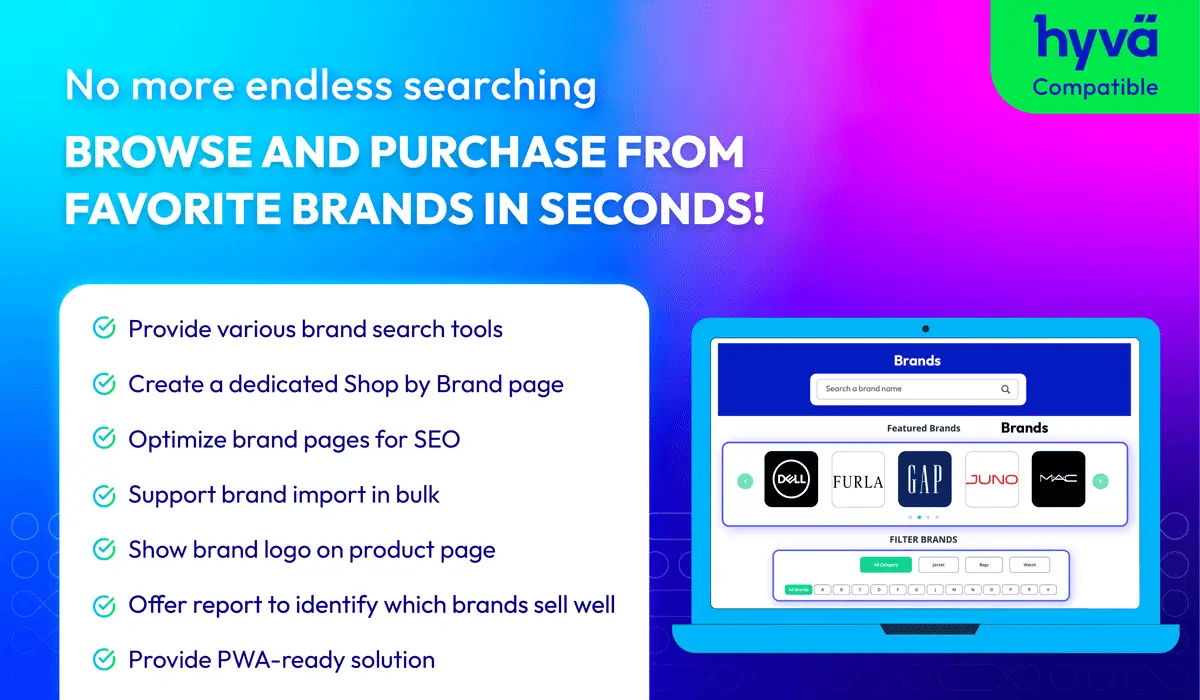
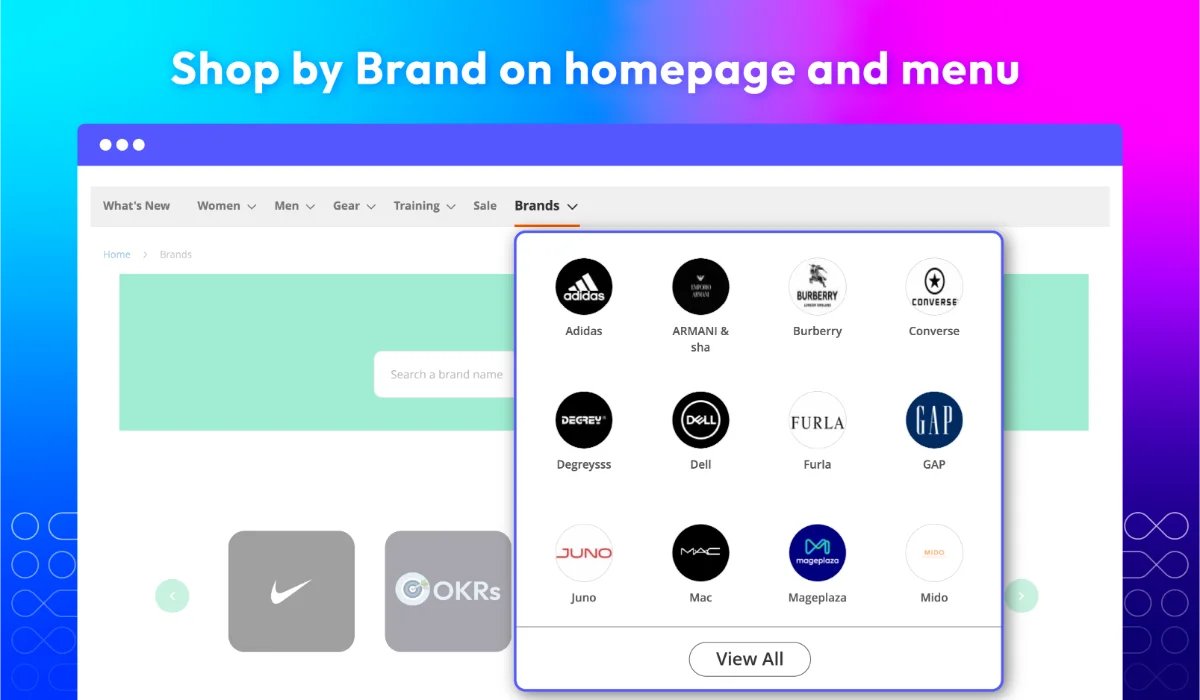
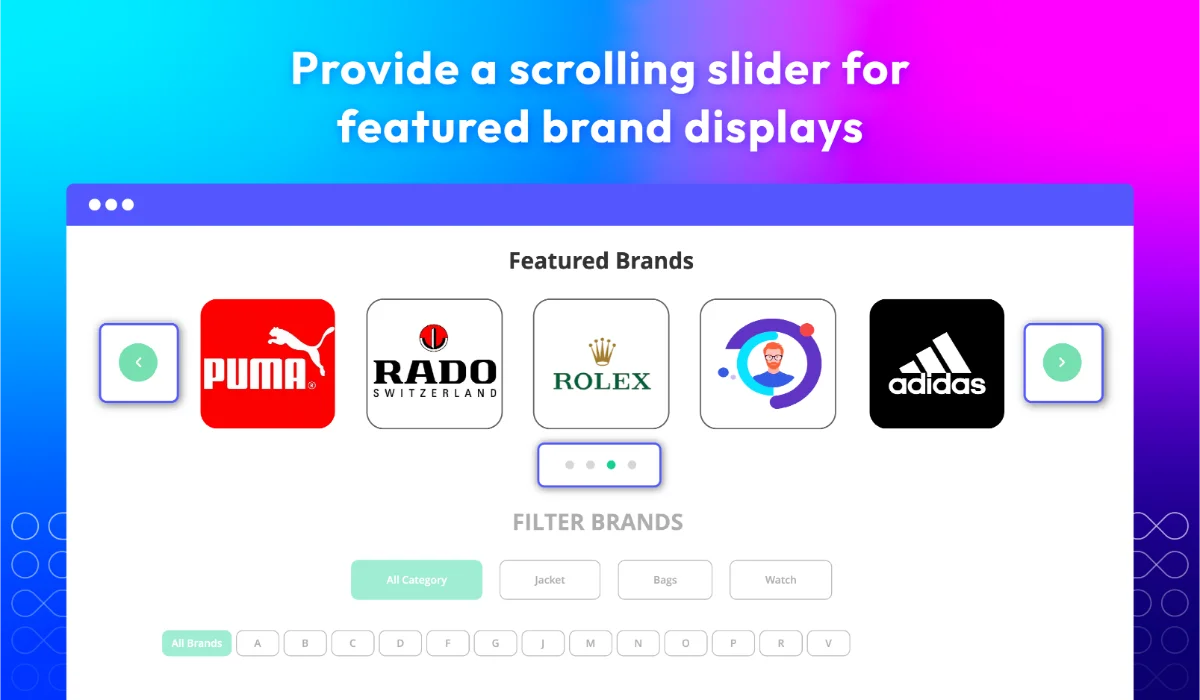
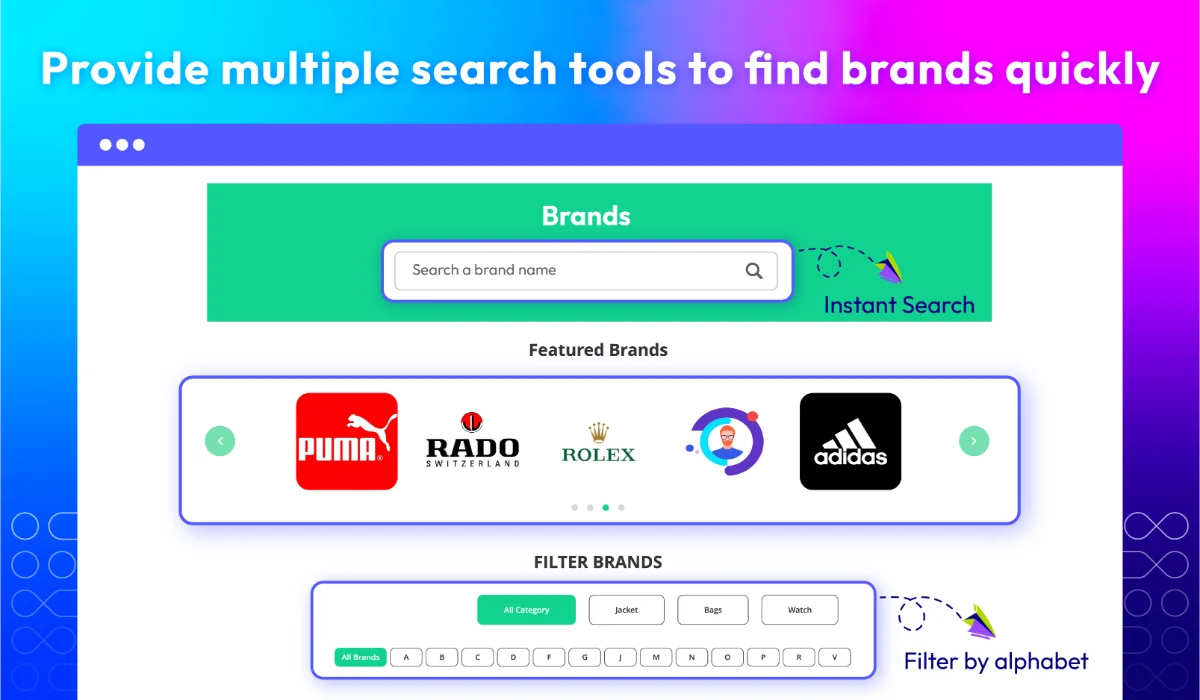
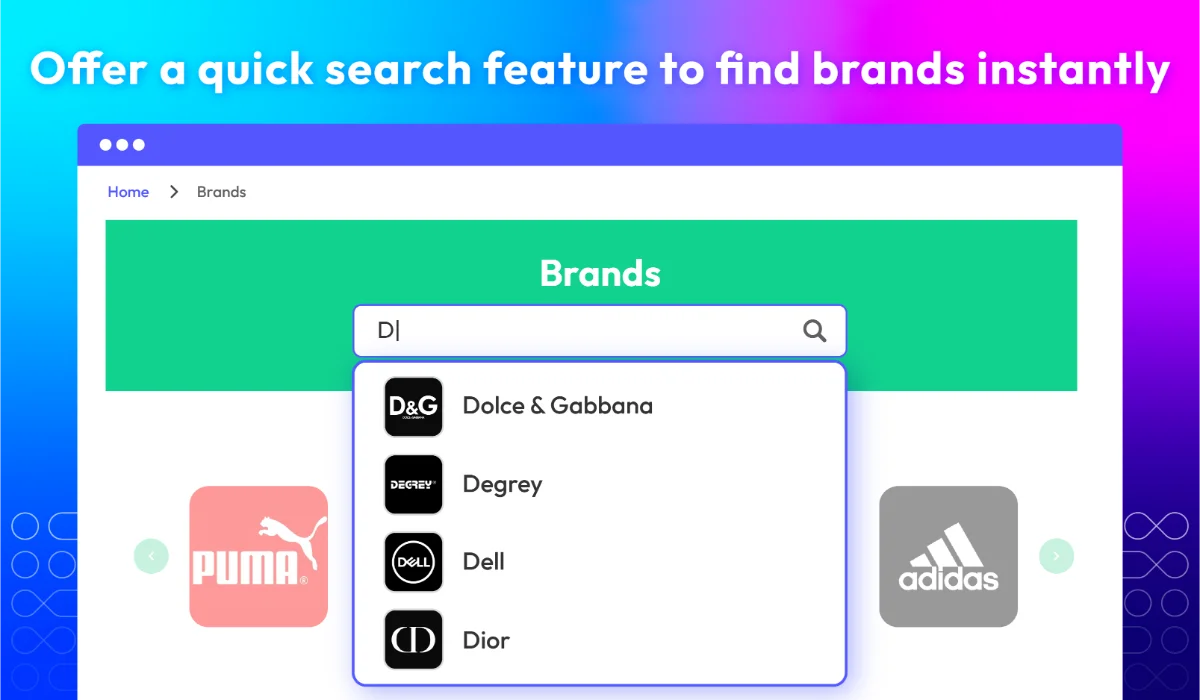
Let customers shop by brand – See how it works
Help shoppers discover & access brands
Make it easy for customers to find and explore products by brand. The Magento 2 Shop by Brand extension by Mageplaza lets you highlight brands across your storefront, from the homepage to category filters. Whether customers want to browse by brand or search directly, everything is within reach.
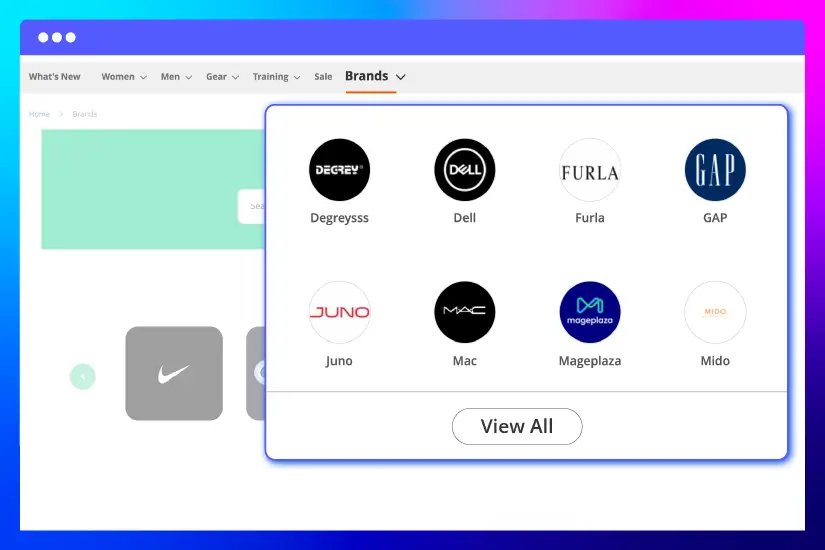
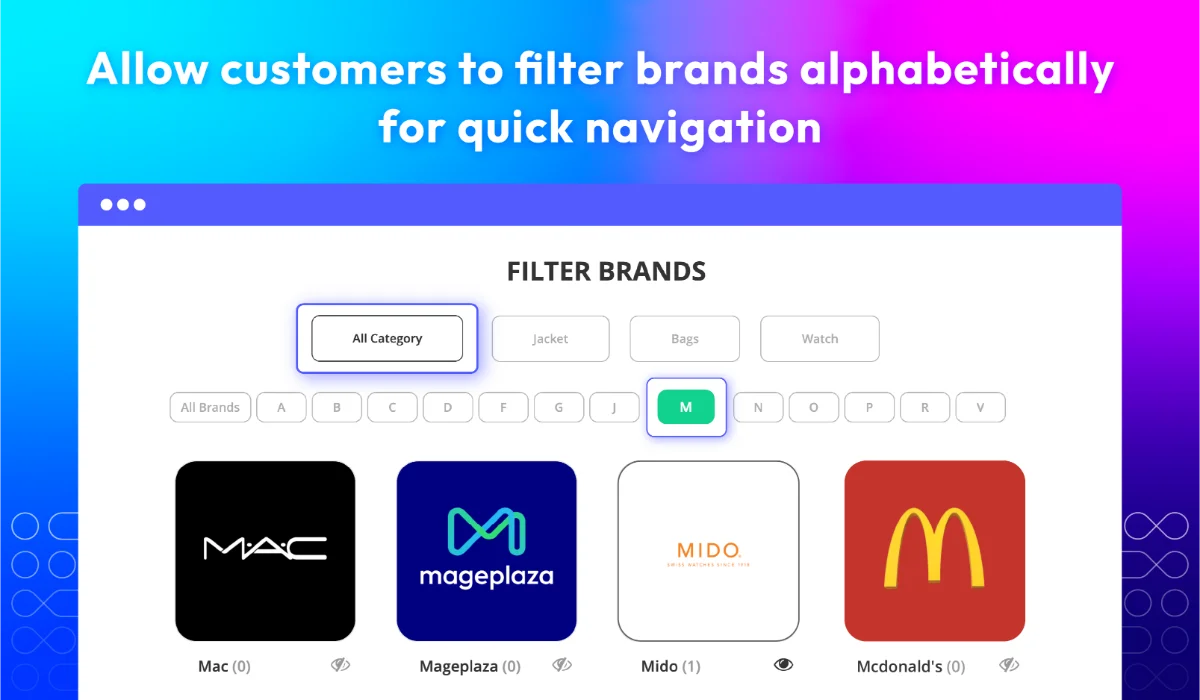
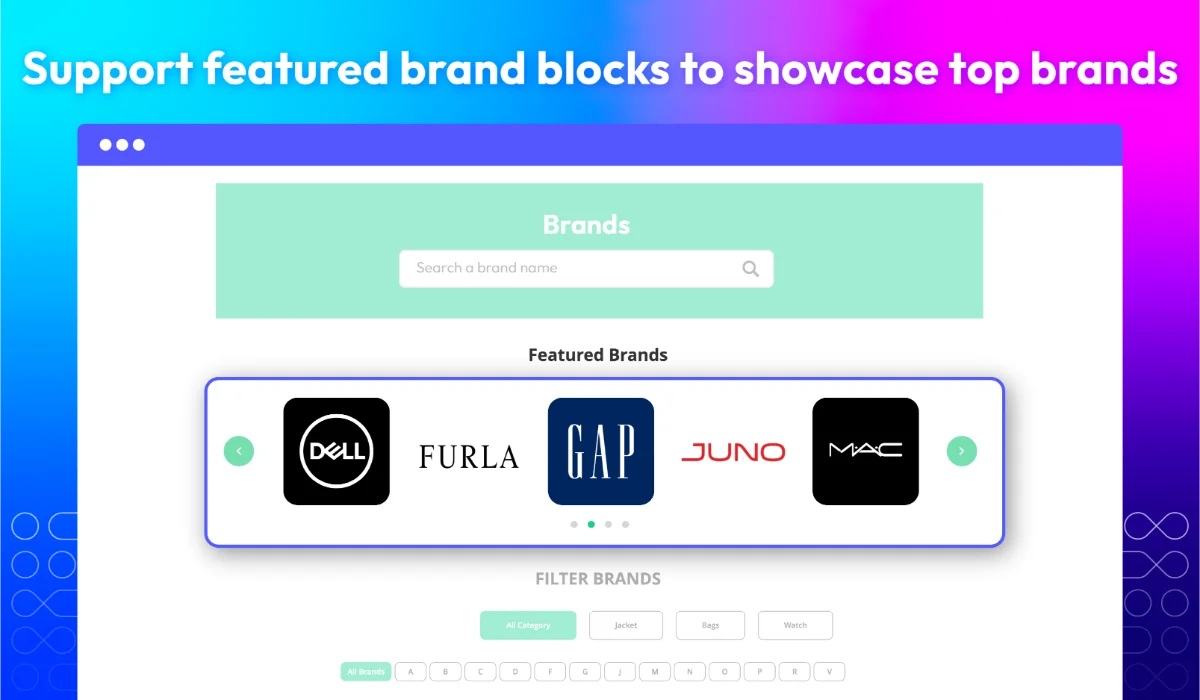
Show brands on homepage & menu
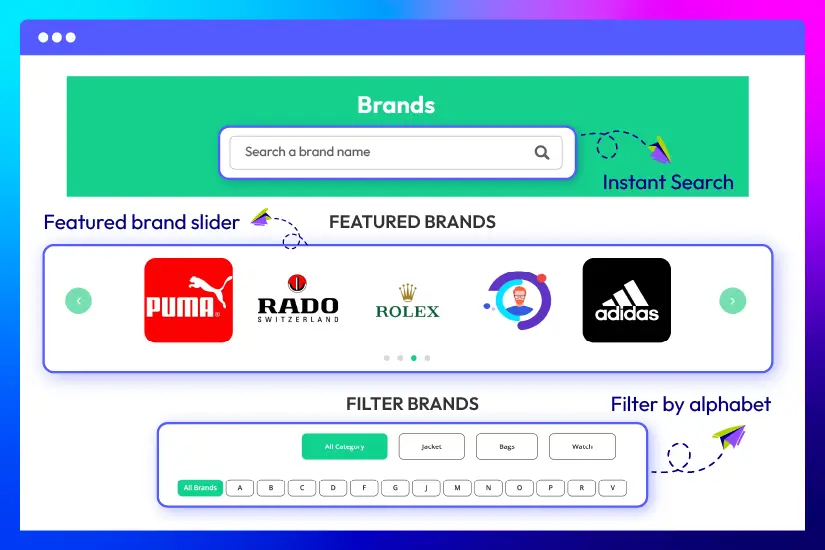
Search & discover brands
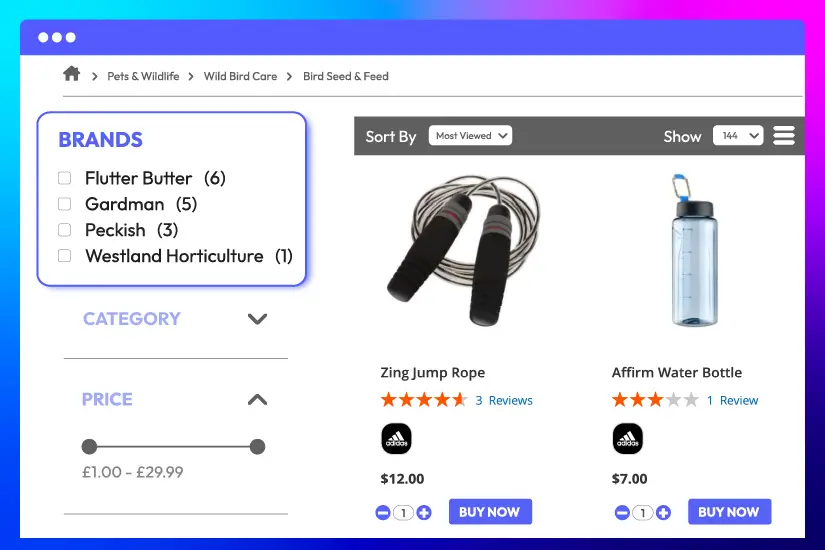
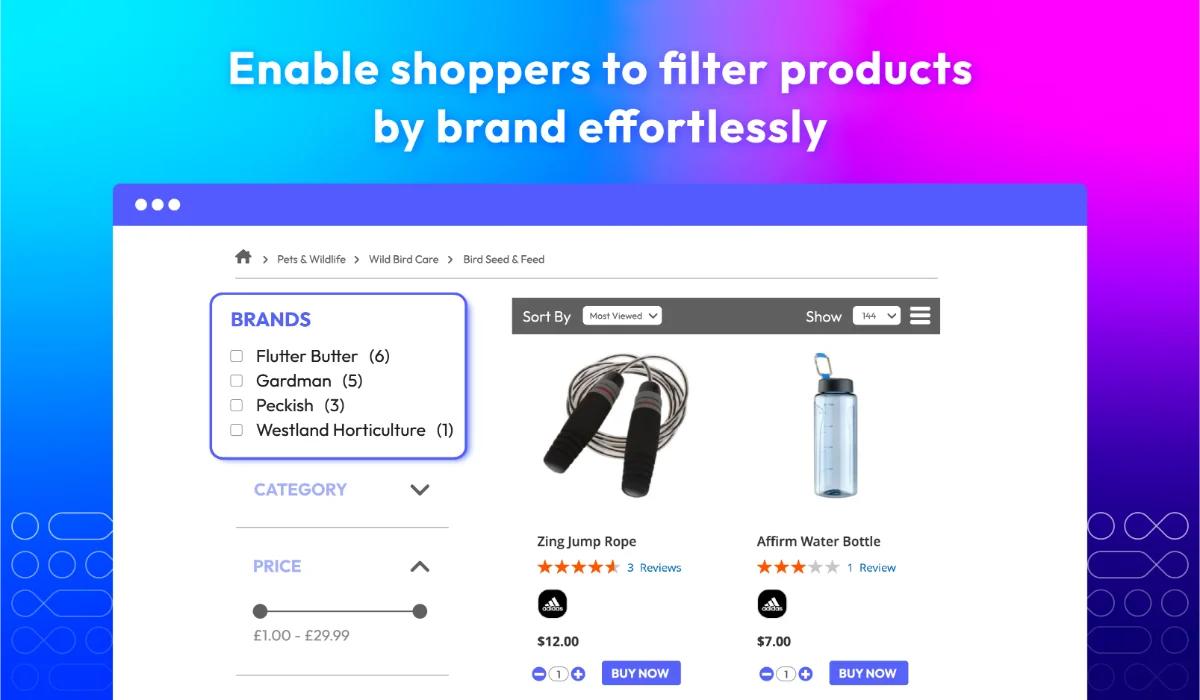
Filter by brand
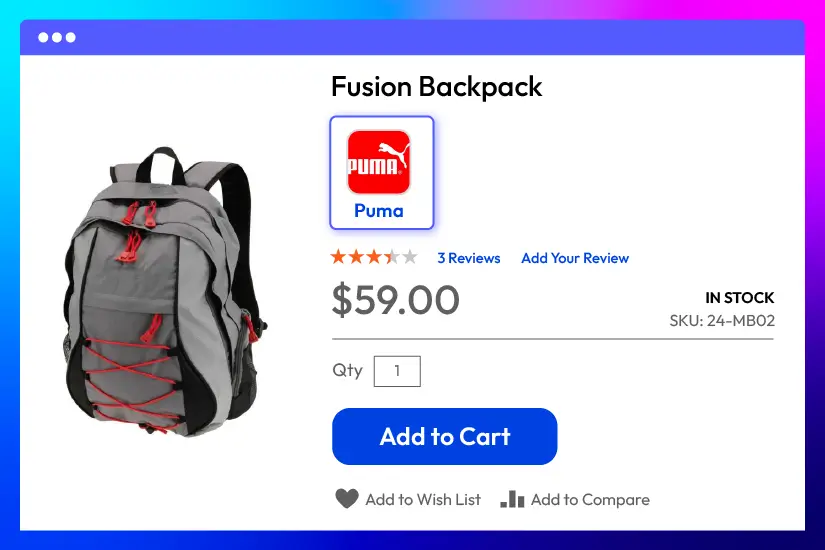
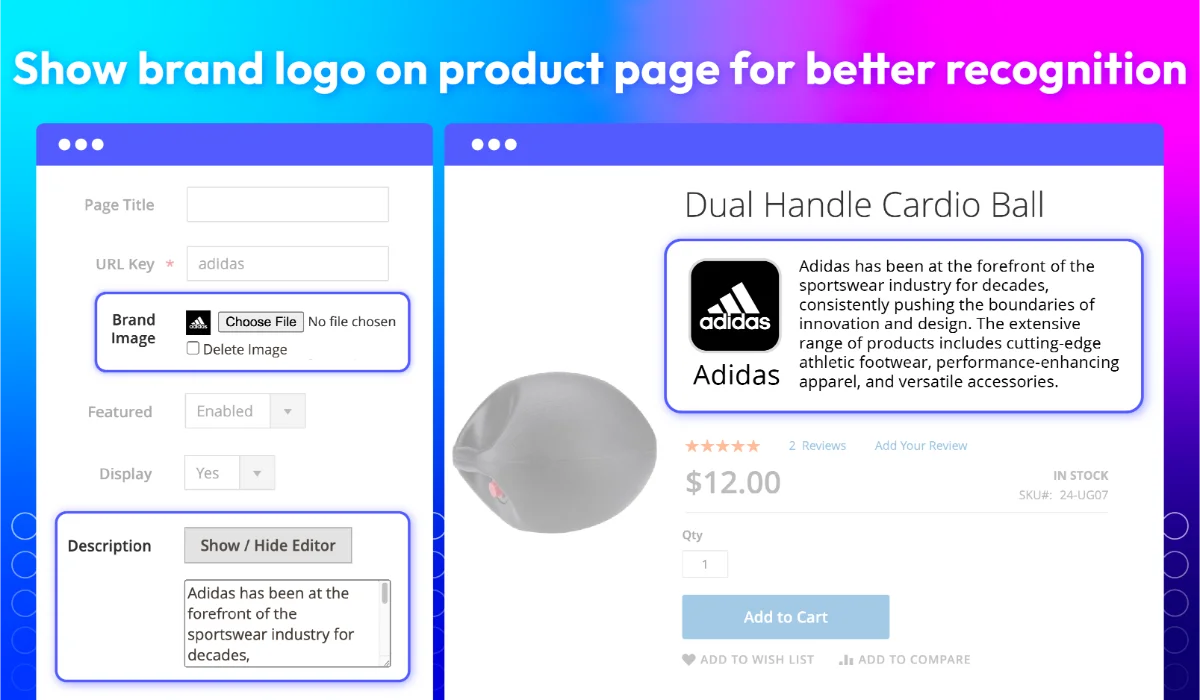
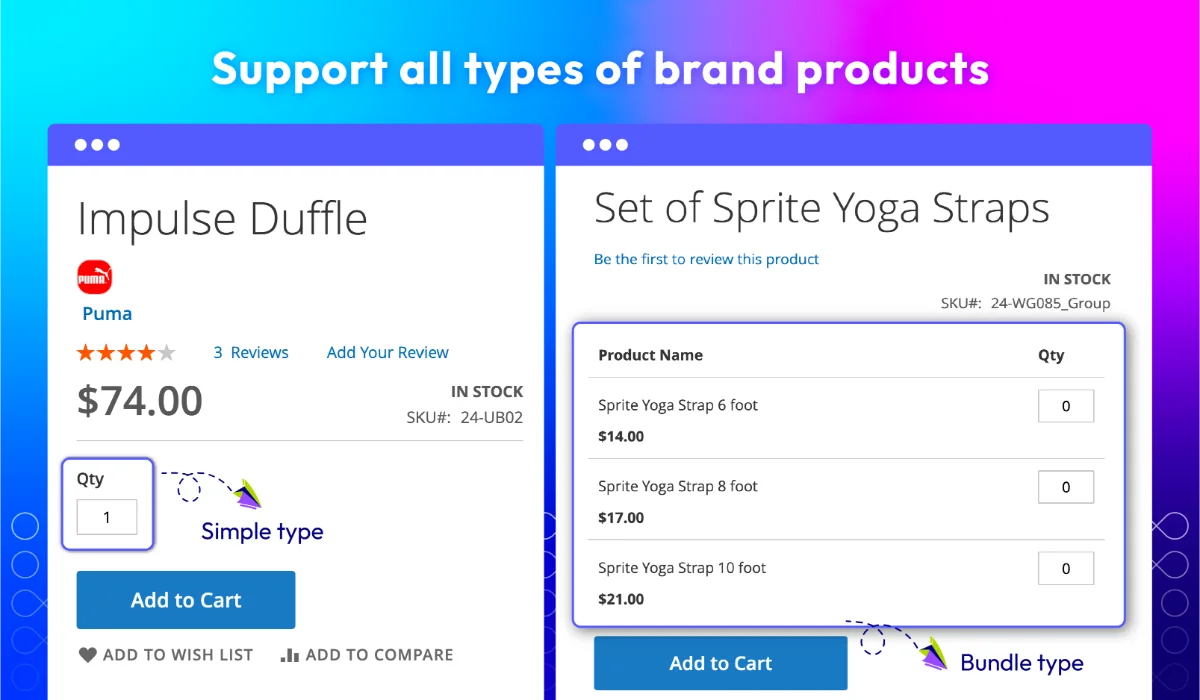
Brand logo on product page
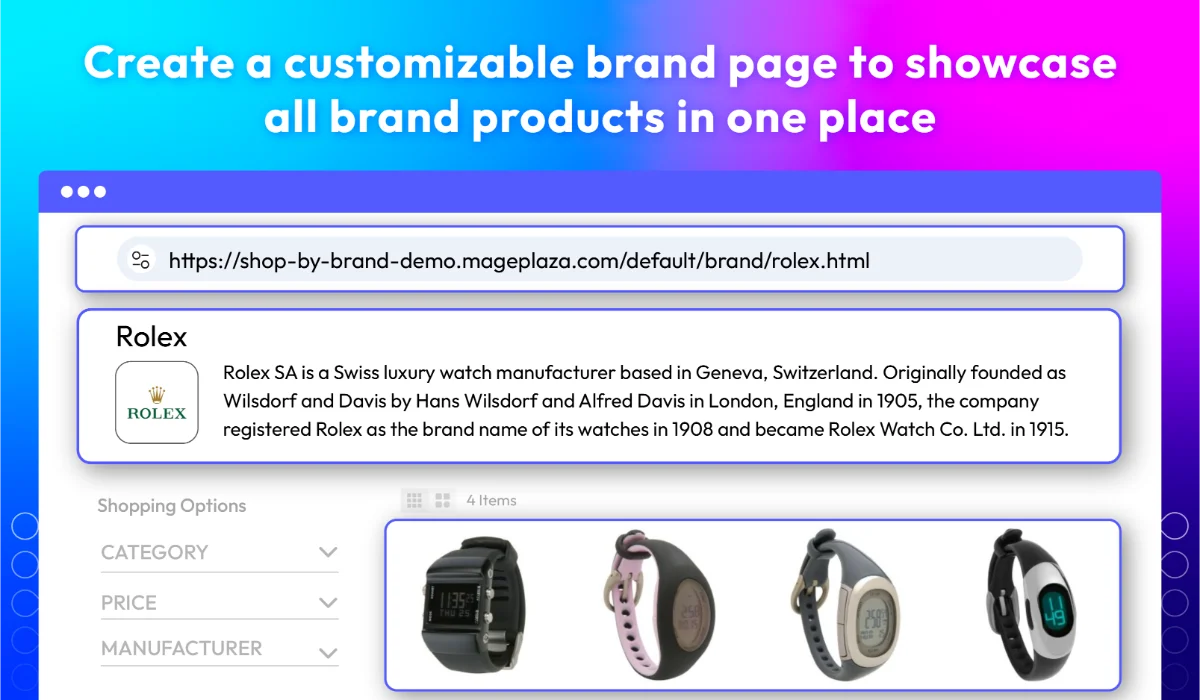
Create dedicated shop by brand pages
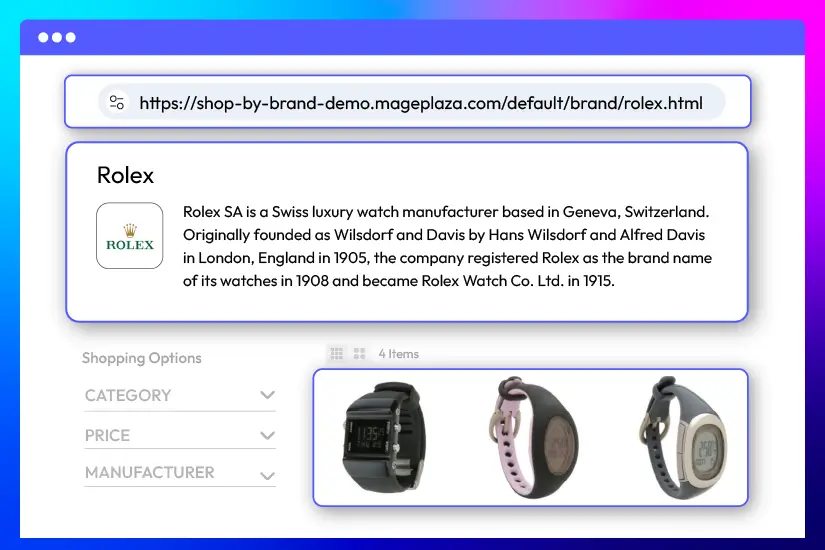
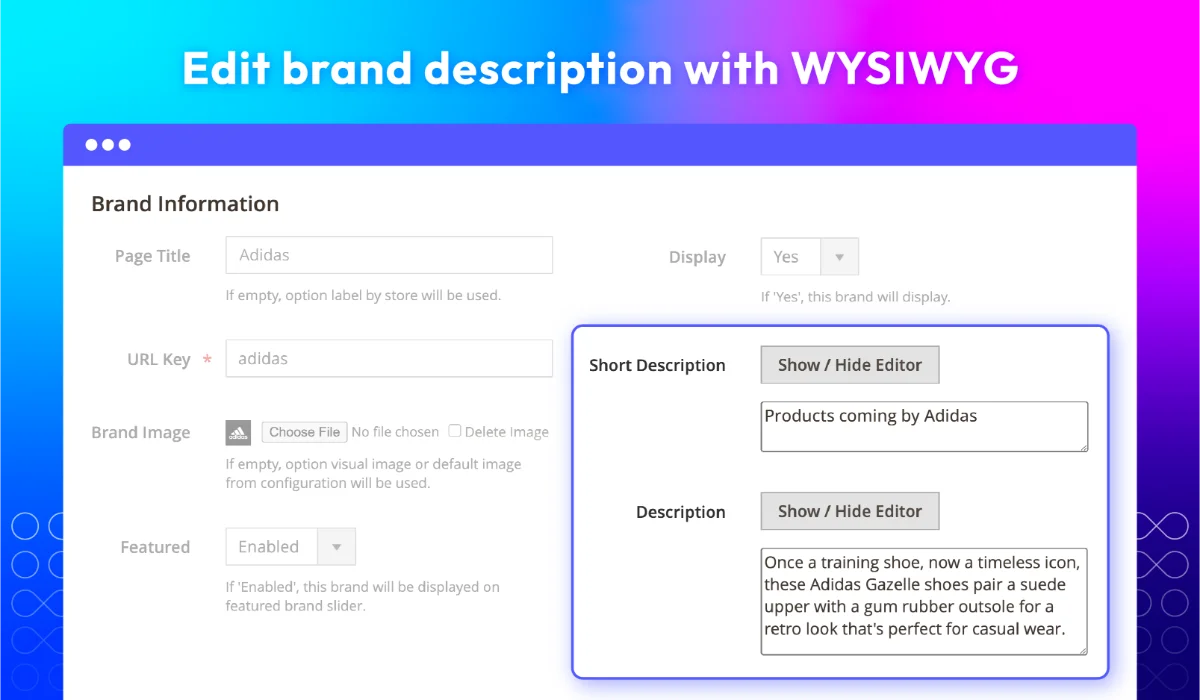
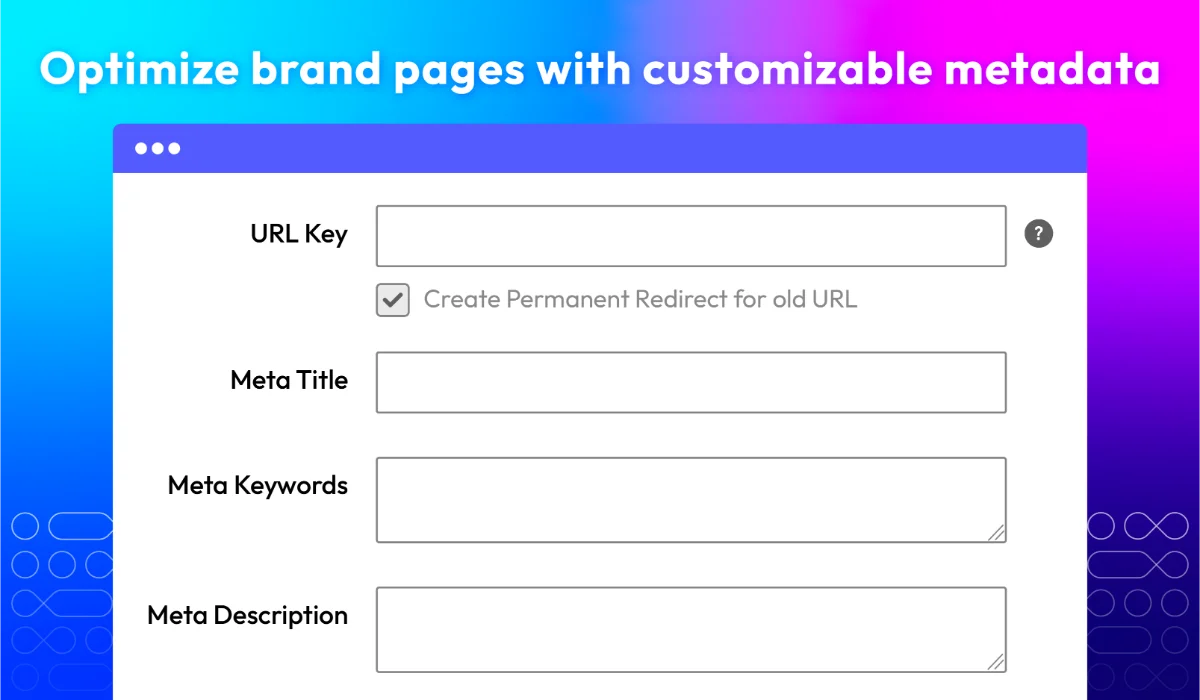
Give each brand its own landing page with official logos, rich descriptions, and auto-generated product listings. These pages use SEO-friendly URLs with the brand name to improve search visibility, build trust, and help customers easily explore and purchase products from their favorite brands or manufacturers.
Manage all brand data with ease
Managing brand data in Magento 2 is simple with Mageplaza’s Shop by Brand extension for Magento 2. You can import, assign, and organize brand content efficiently using built-in tools. From bulk updates to performance tracking, this module gives merchants full control over every brand listed in their store.
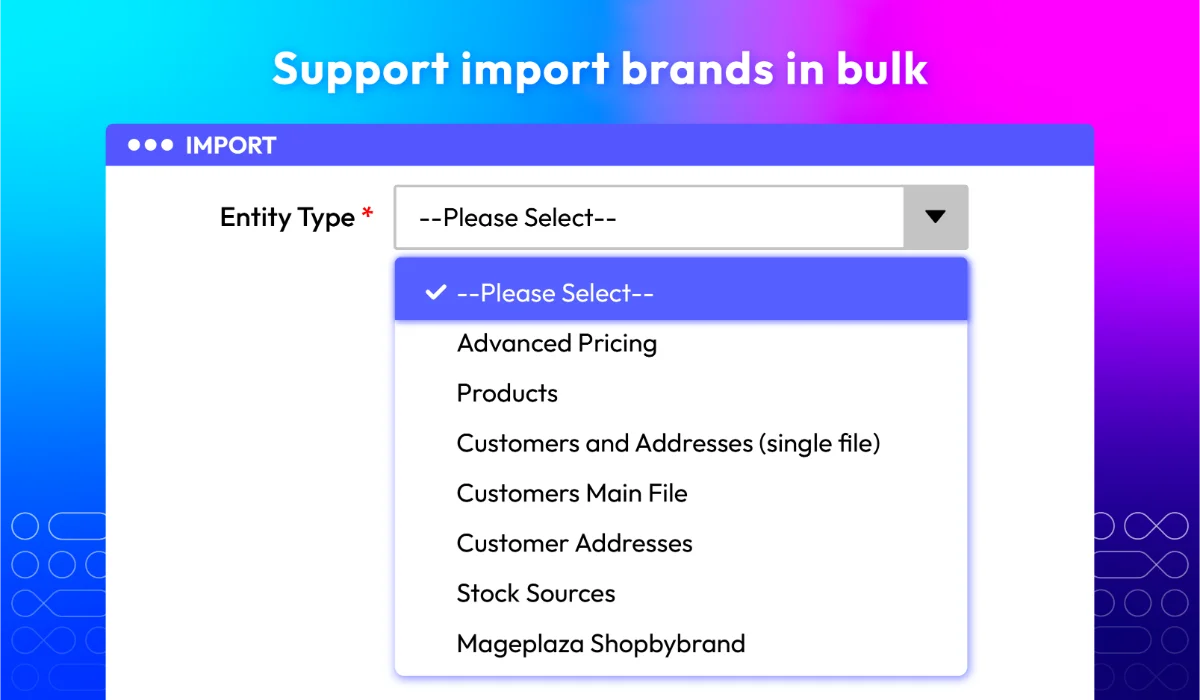
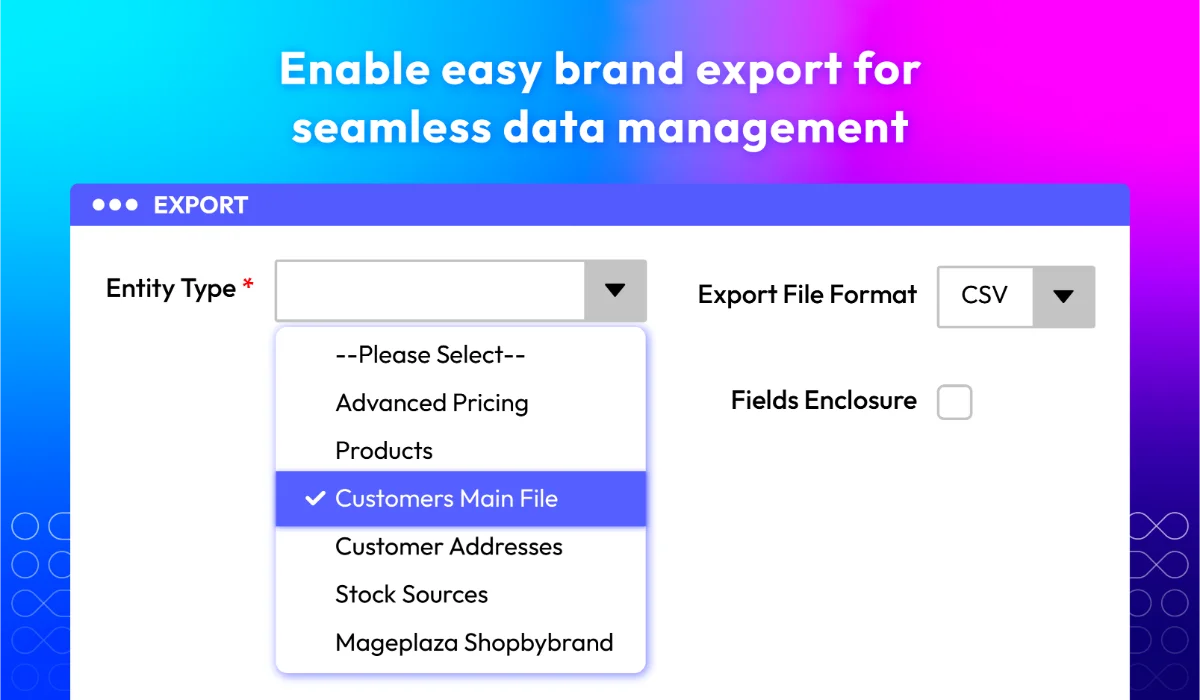
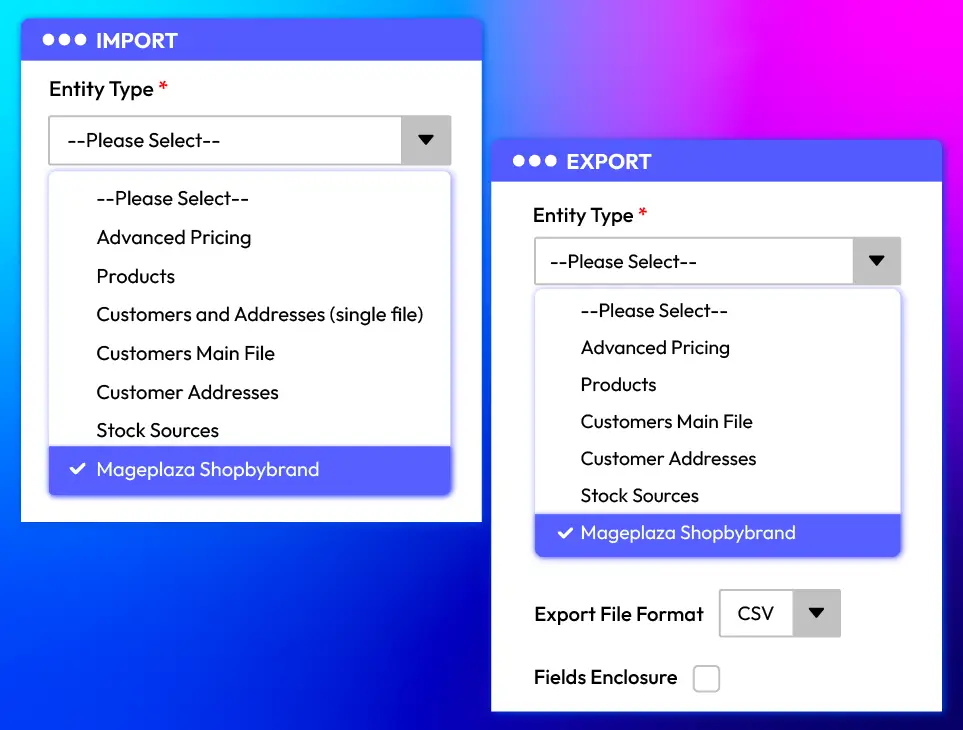
Import and export brands in bulk via CSV
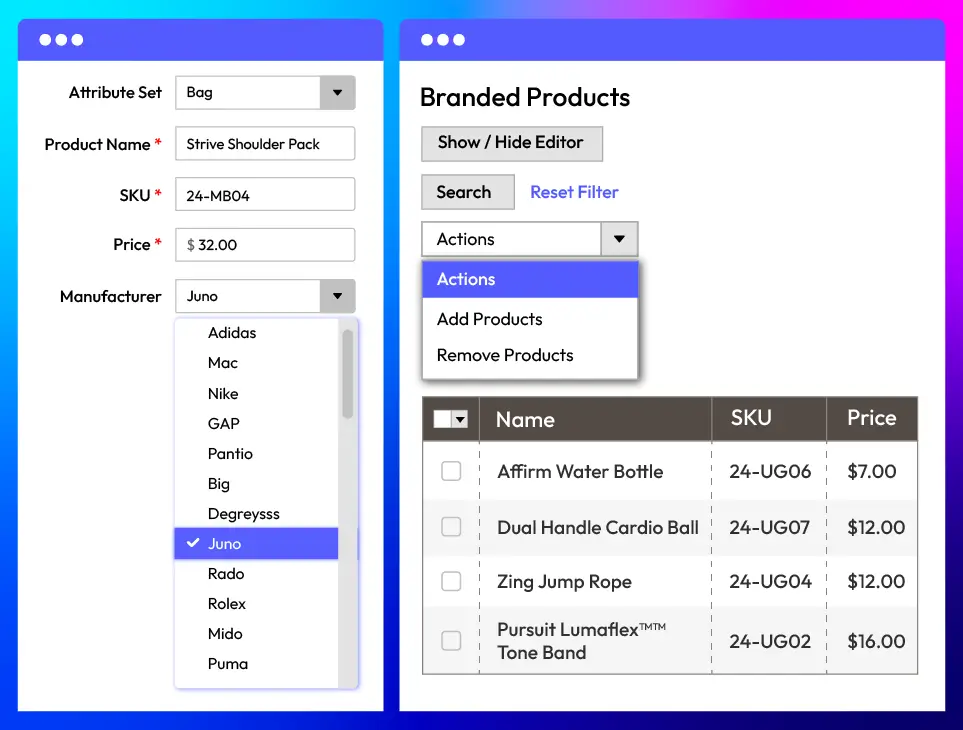
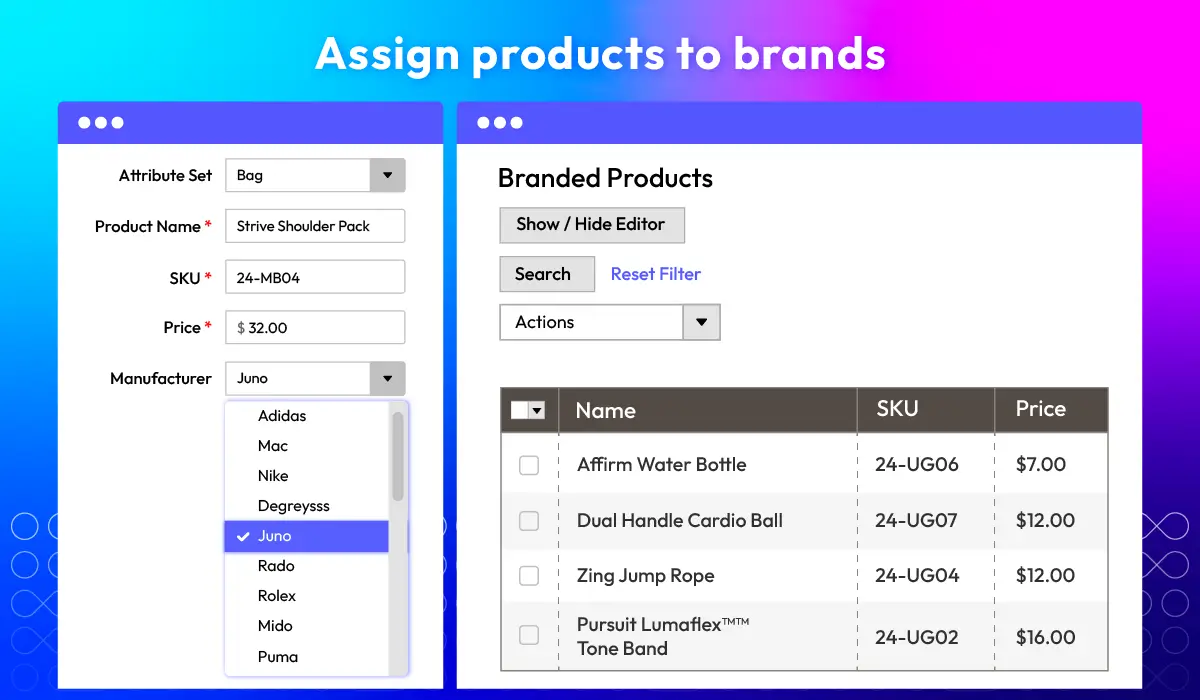
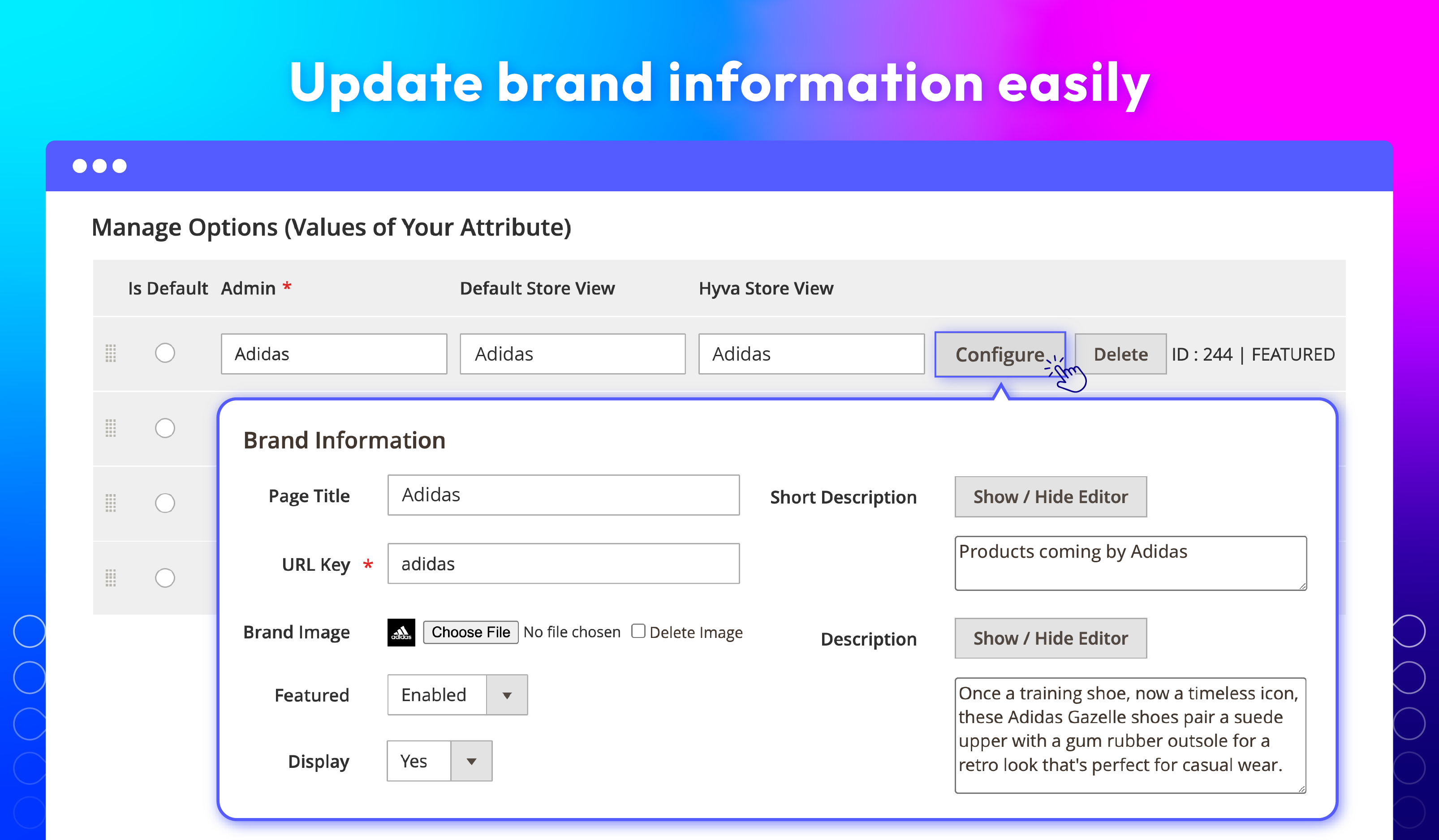
Assign products to the right brands
Manage brands in a centralized grid
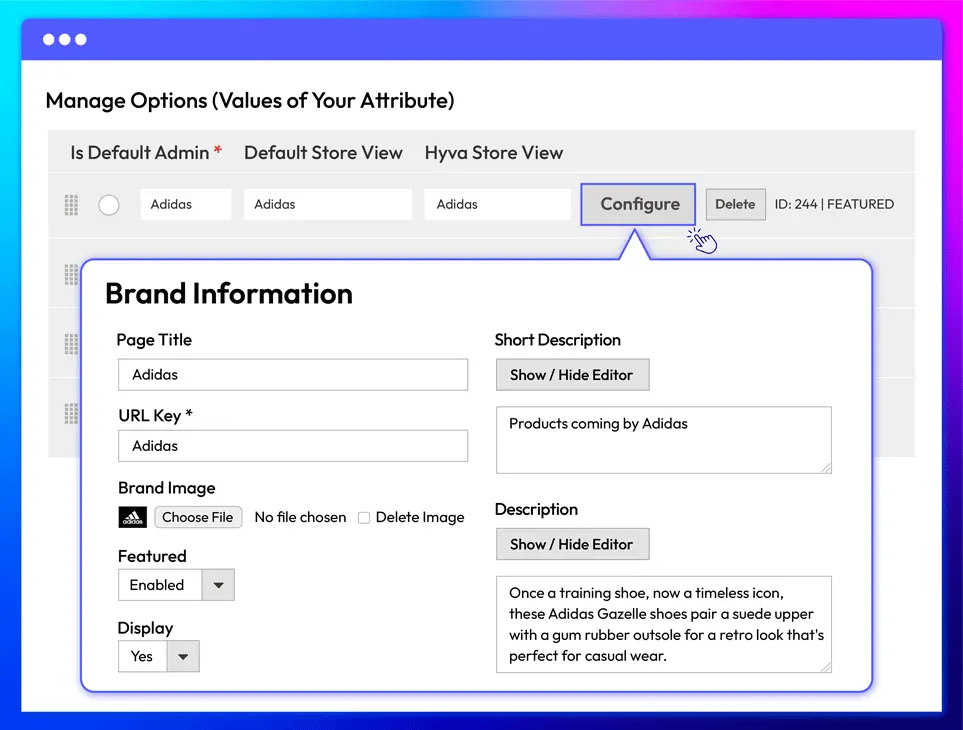
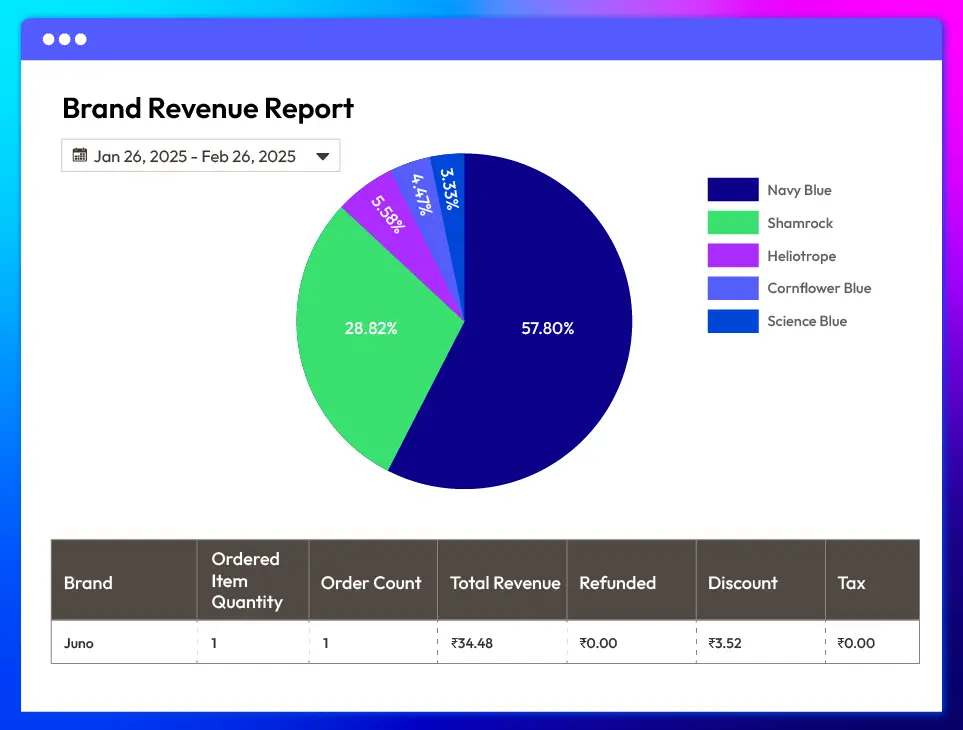
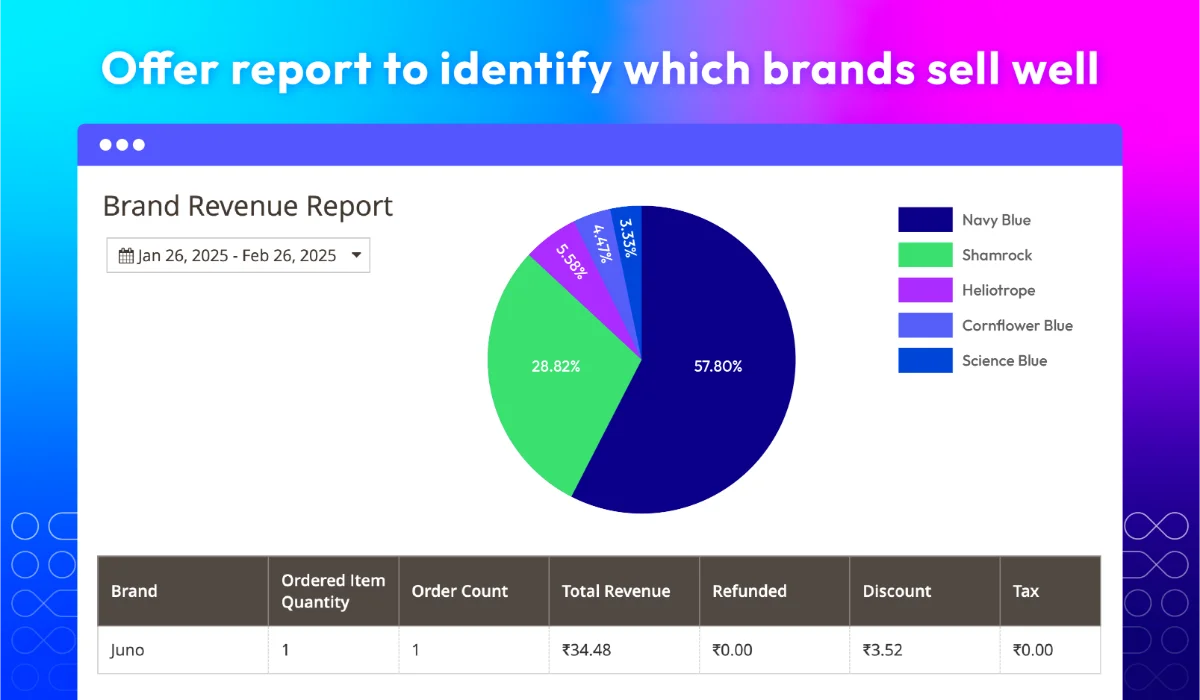
View brand sales and performance report
Additional features for Magento 2 Shop by Brand
SEO Practices
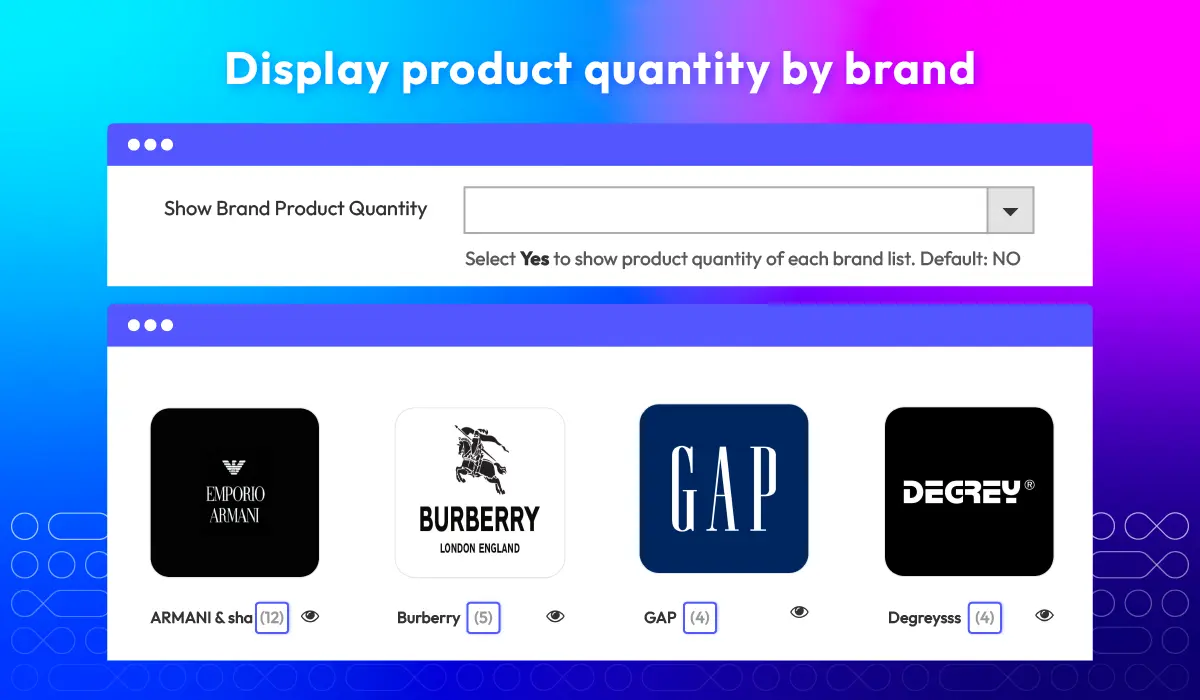
Show product quantity by brand
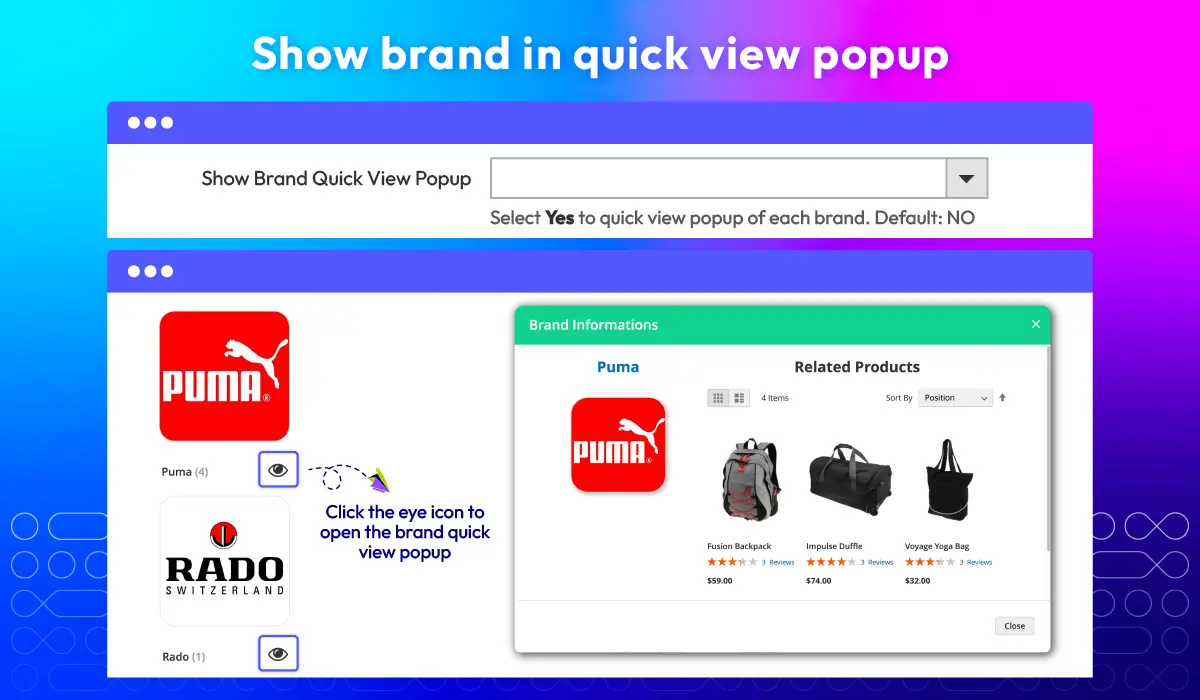
Show brand in quick view popup
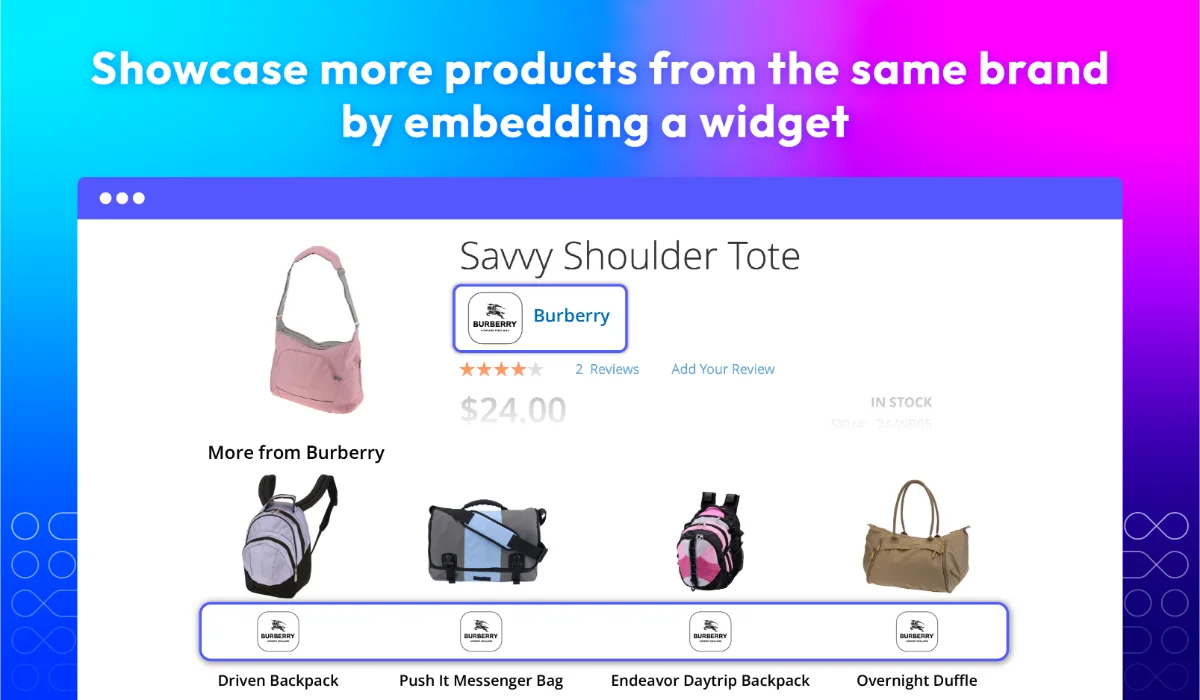
Brand widget New
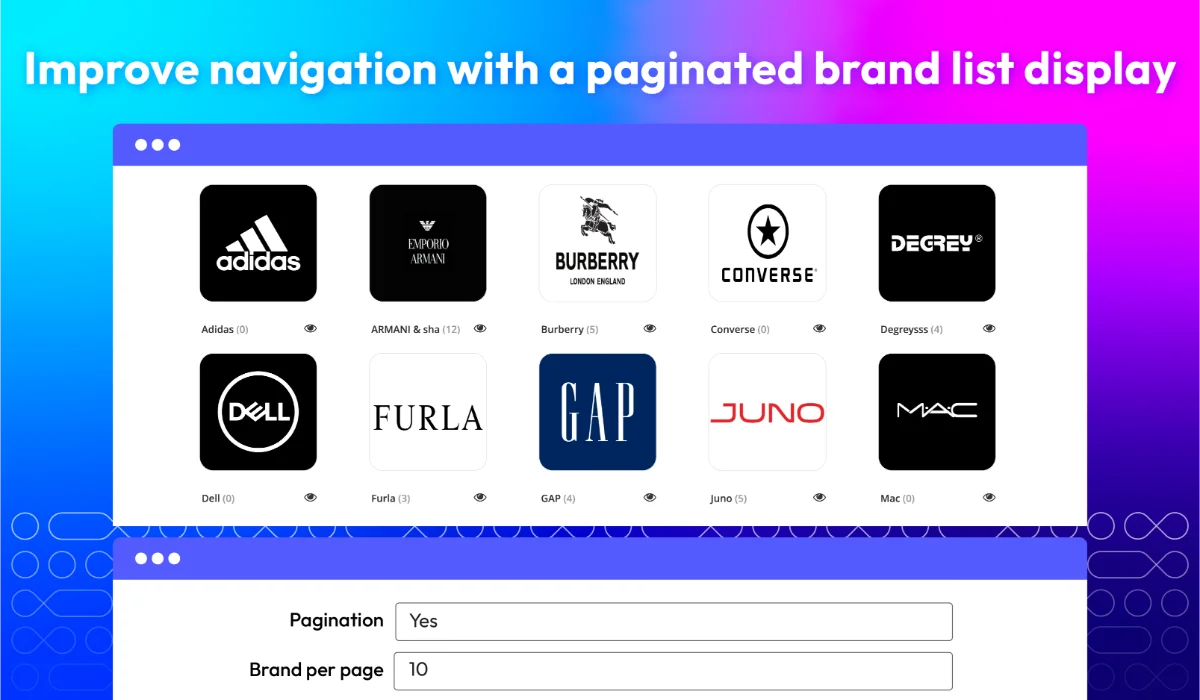
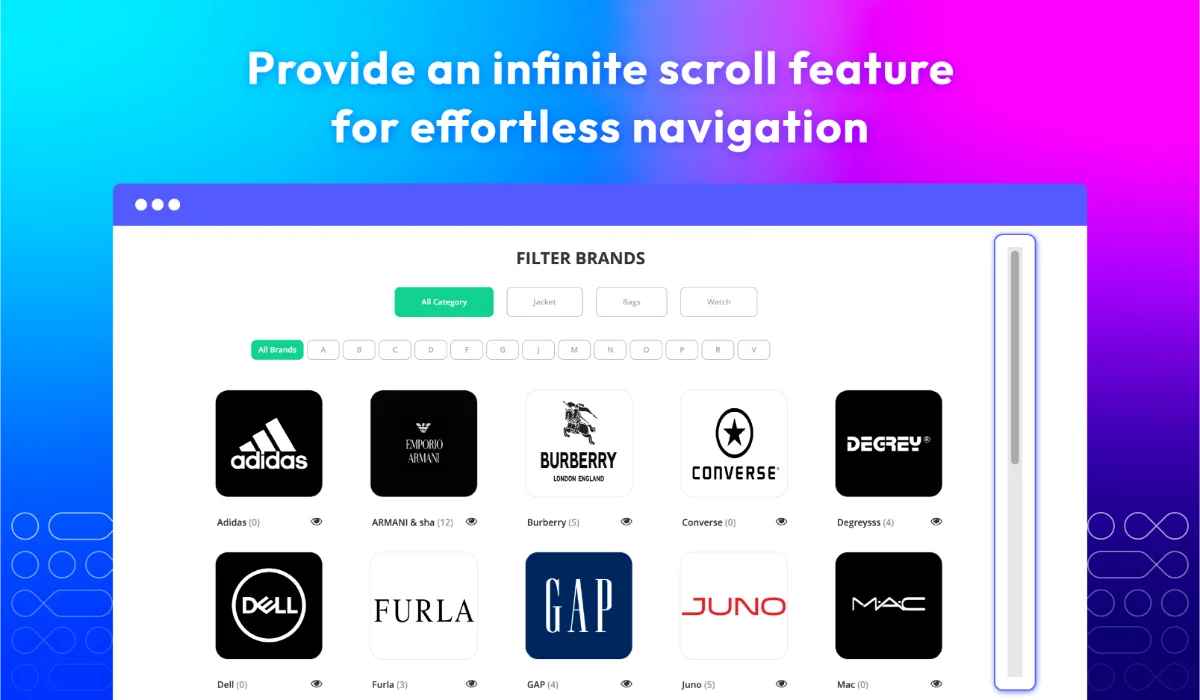
Pagination and infinite scroll New
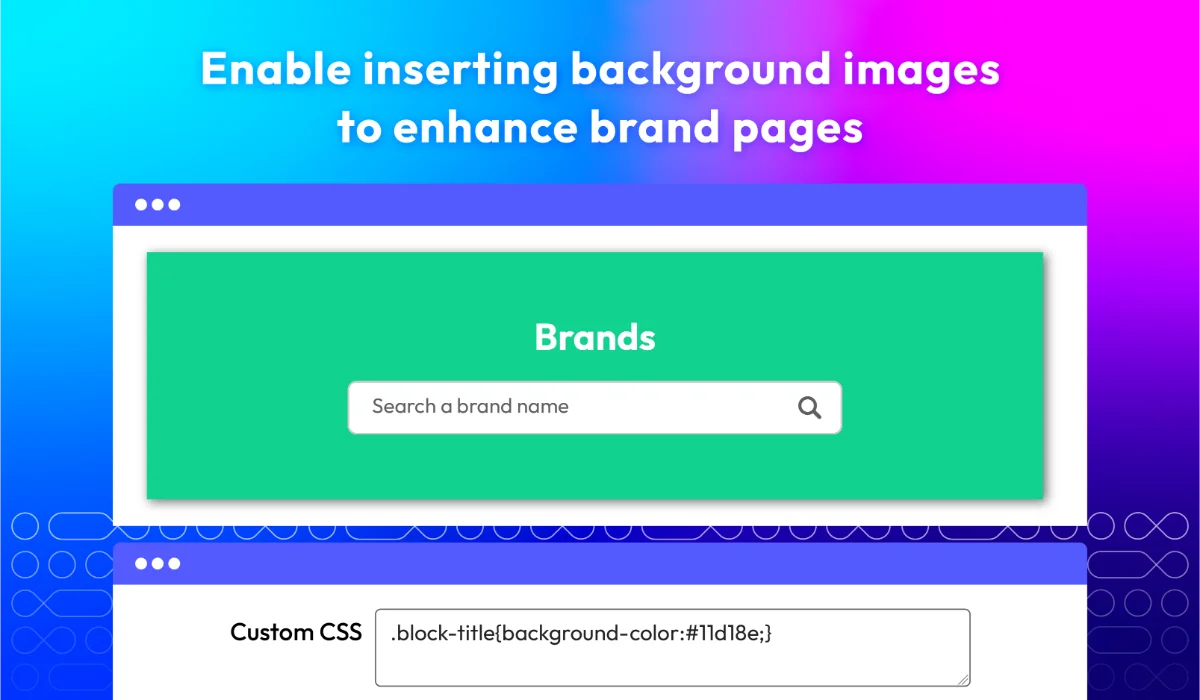
Background image New
PWA-ready solution
What customers say about us

Release notes
-
v4.9.3 (Magento v2.4.x)
10 July 2025
- Bug Fix: Fixed save Brand information on multi-store
- Compatibility: Now compatible with Magento 2.4.8-p1
-
v4.9.2 (Magento v2.4.x)
25 April 2025
- Compatibility: Now compatible with Magento 2.4.8
- Compatibility: Now compatible with Hyva Checkout
-
v4.9.1 (Magento v2.4.x)
16 February 2025
- Bug Fix: For Hvya - Fixed issues with the top menu, slider and Style in Brand Page.
- Bug Fix: Fixed “MemorizingAllowed” to prevent redirect on the Brand page.
-
v4.9.0 (Magento v2.4.x)
16 December 2024
New Update: Updated better UI/UX in Brand All Page
Performance perfect:
- Added Auto Index Data Brand for Brand All Page
- Better Add Bulk Product to Brand now runs under Queue if adding over 1000 products
-
v4.8.2 (Magento v2.4.x)
09 October 2024
Compatibility: Now compatible with Hyva theme
-
v4.8.1 (Magento v2.4.x)
06 June 2024
Compatibility: Now compatible with Magento 2.4.7
-
v4.8.0 (Magento v2.4.x)
19 October 2023
- New Feature: We added Pagination and Infinity Scroll features to List View
- New Feature: We added load more function, hide and display Brand by letter
- New Feature: We added a function to handle filter according to Ajax load for List View and Alphabet View pages
- New Feature: We added a background image function to the Search block
- Bug Fix: We fixed the bug that autoplay does not work in related brand
- Bug Fix: We fixed the bug EQP
-
v4.7.2 (Magento v2.4.x)
31 July 2023
- Bug Fix: We fixed the bug of adding the product to the cart
- Bug Fix: We fixed the bug when turning off the function to apply a brand that does not exist for a product.
- Bug Fix: We fixed the bug console showing an error when running brand indexer
- Bug Fix: We fixed the bug of the logo being covered
- Bug Fix: We fixed the bug widget display after the module disable
- Bug Fix: We fixed the bug show advance when disabling the module
- Bug Fix: We fixed the bug display feature slider
- Bug Fix: We fixed the bug display brand menu
-
v4.7.1 (Magento v2.4.x)
08 May 2023
- Compatibility: The extension is now compatible with Magento 2.4.6
- Bug Fix: We fixed the bug save brand on multistore
- Bug Fix: We fixed the bug EQP
- Bug Fix: We fixed the bug when update brand
-
v4.7.0 (Magento v2.4.x)
26 April 2023
- Update UI
- Fix some minor bugs
-
v4.6.2 (Magento v2.4.x)
26 December 2022
- Fixed minor bugs
-
v4.6.1 (Magento v2.4.x)
07 December 2022
- Compatible with Magento v2.4.5
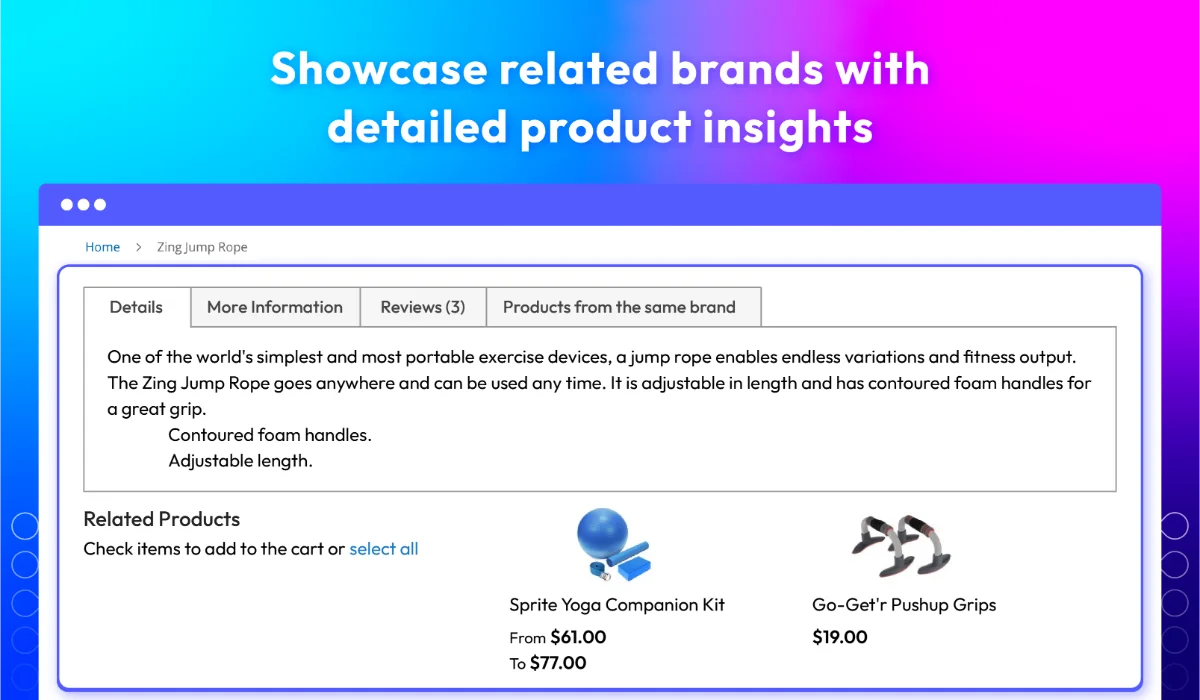
- Added brand information on related, upsell, crossell products
- Added brand information on checkout page
- Fixed minor bugs
-
v4.6.0 (Magento v2.4.x)
12 September 2022
- Added brand list to widget
- Added change brand menu position in Category menu
- Fixed minor bugs
-
v4.5.2 (Magento v2.4.x)
14 June 2022
- Hot fixed: category collection error on Magento v2.4.4
-
v4.5.1 (Magento v2.4.x)
30 May 2022
- Compatible Magento v2.4.4
- Fixed error: child products does not show in Reports
-
v2.11.1 (Magento v2.3.x)
30 May 2022
- Fixed error: child products does not show in Reports
-
v2.11.0 (Magento v2.3.x)
21 April 2022
- Added feature: Export Brands
- Added feature: Add multiple products to brand
- Added feature: Brands related
- Fixed minor bugs
-
v4.5.0 (Magento v2.4.x)
21 April 2022
- Added feature: Export Brands
- Added feature: Add multiple products to brand
- Added feature: Brands related
- Fixed minor bugs
-
v2.10.1 (Magento v2.3.x)
25 February 2022
- Added config rest API.
-
v4.4.1 (Magento v2.4.x)
25 February 2022
- Added config rest API.
- fixed error when create a new product.
Frequently Asked Questions
Magento 2 Shop by Brand extension is a tool that allows customers to search and filter products by brand on an online store. This extension creates a dedicated brand page that displays a list of all the brands available in the store, and customers can click on a specific brand to view all the products associated with it. It helps customers easily find the products they are looking for and also helps create a better user experience on the online store.
Magento 2 Shop by Brand extension adds a brand attribute to products which can be used to filter products by brand. This extension creates a separate brand landing page and allows customers to browse and filter products by their preferred brands. The brand pages are automatically created and show brand logos, descriptions, and products associated with that brand. The extension also provides a widget that can be added to any CMS page or block to display a list of brands.
Definitely, you can add multiple brands to your store using the Shop by Brand extension. You can create a new brand from the admin panel and assign products to the brand. You can repeat this process to add as many brands as you want. The extension allows you to easily manage all the brands and their associated products.
Yes, you can assign products to multiple brands through Magento 2 Shop by Brand extension. This extension not only offers greater flexibility in organizing products but also helps customers find products from their favorite brands easily.
Absolutely. When you use Magento 2 Shop by Brand extensions, you can customize the appearance of the shop by brand pages. You can change the layout, colors, and fonts to match your brand's style. Additionally, you can choose which elements to display on the page, such as brand descriptions, logos, images, or products.
Yes, Magento 2 Shop by Brand extensions from Mageplaza allow you to upload and display brand logos or images on the Shop by Brand pages. You can typically customize the size, position, and alignment of the logos/images as well.
Exactly. It is designed to work with multi-store installations. This means you can set up separate brand lists and pages for each store. Some extensions may also permit you to assign different brands to different stores or restrict the display of certain brands to specific stores. Therefore, it's essential to check your chosen extension's particular features and compatibility before purchasing or installing it.
Yes. Displaying the Shop by Brand filter on specific pages or categories is possible only. Magento 2 Shop by Brand extensions by Mageplaza lets you choose which pages or categories the shop by brand filter will display. This can be set up through the extension's configuration settings.
Yes, Shop by Brand extension for Magento 2 by Mageplaza allows you to add custom fields to the brand pages. This can include additional information about the brand, such as descriptions, images, or links to social media profiles. Some extensions may also allow you to create custom templates for the brand pages, giving you greater flexibility in terms of design and layout.
Yes, it is generally possible to sort products on the Shop by Brand pages by various attributes, such as price, name, popularity, and so on. Some extensions also allow you to define custom sorting rules or to enable customers to sort products themselves. The specific sorting options available may vary depending on the extension you choose.
Yes, Shop By Brand is compatible with Hyva theme & Hyva Checkout. However, if you still want to use the Luma Checkout, you can enable it by following this guide.
2.4.4 - 2.4.8
Theme & Checkout
Pricing
Community
$129 first year

Enterprise/ Magento Cloud